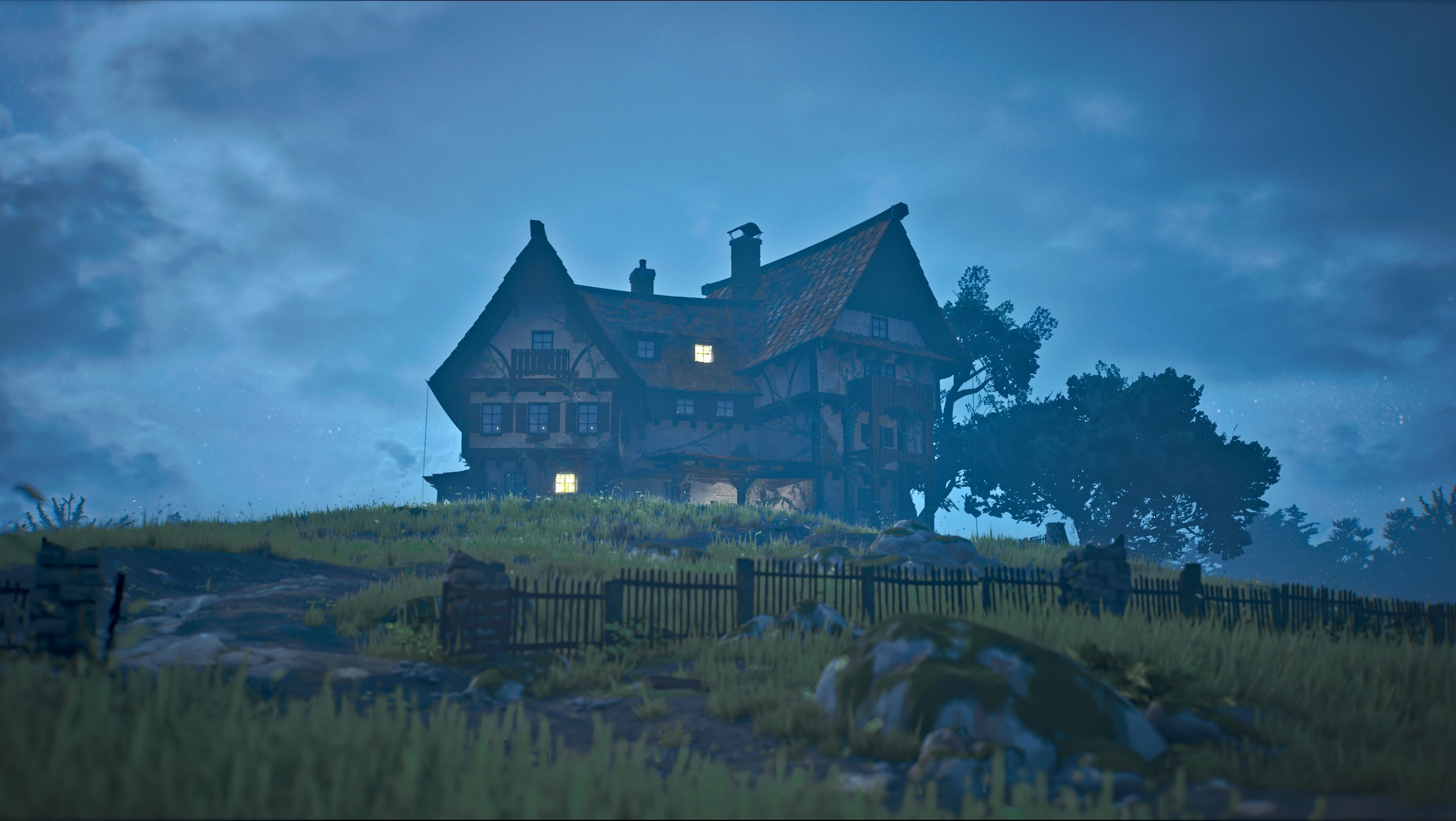
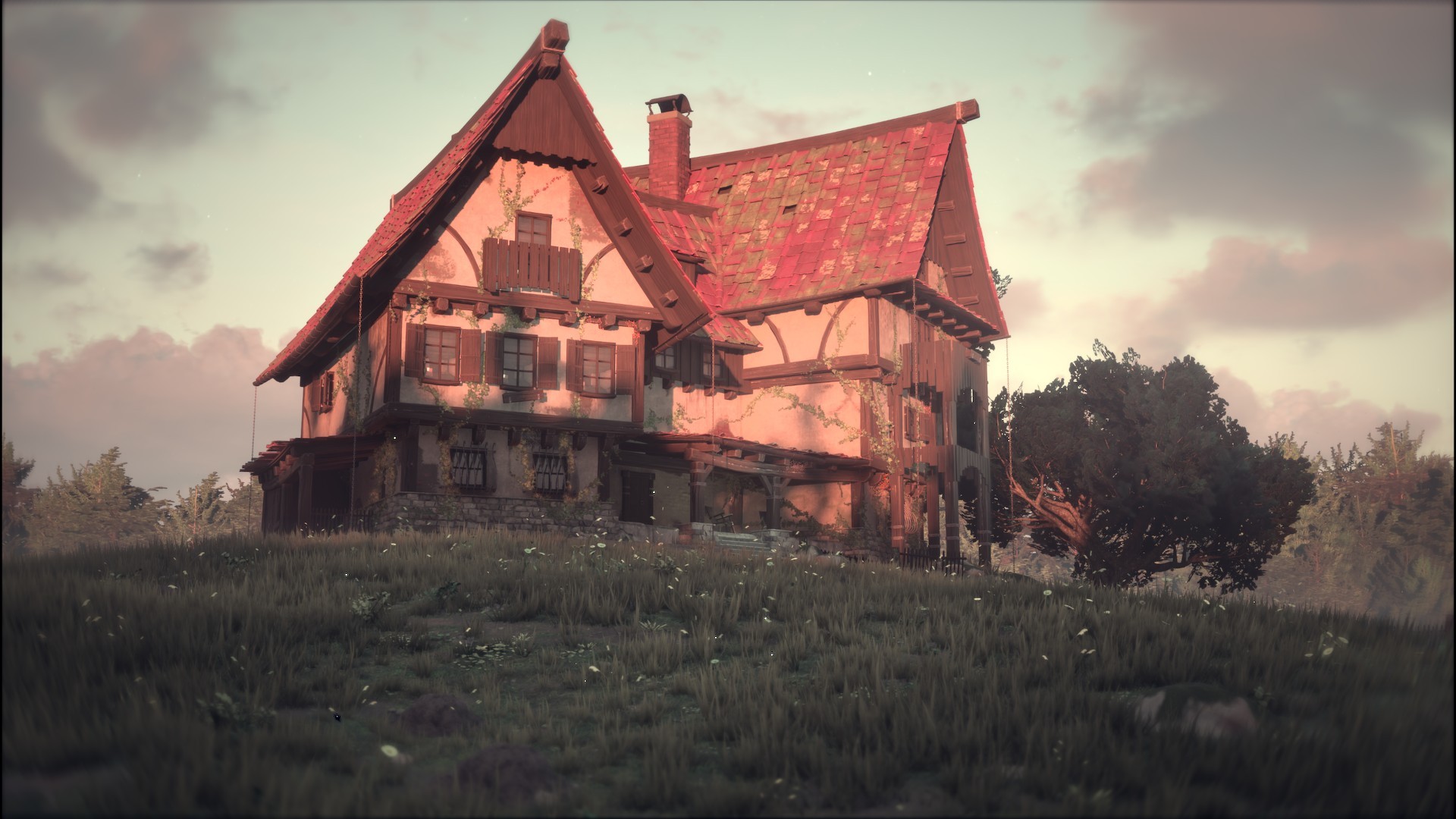
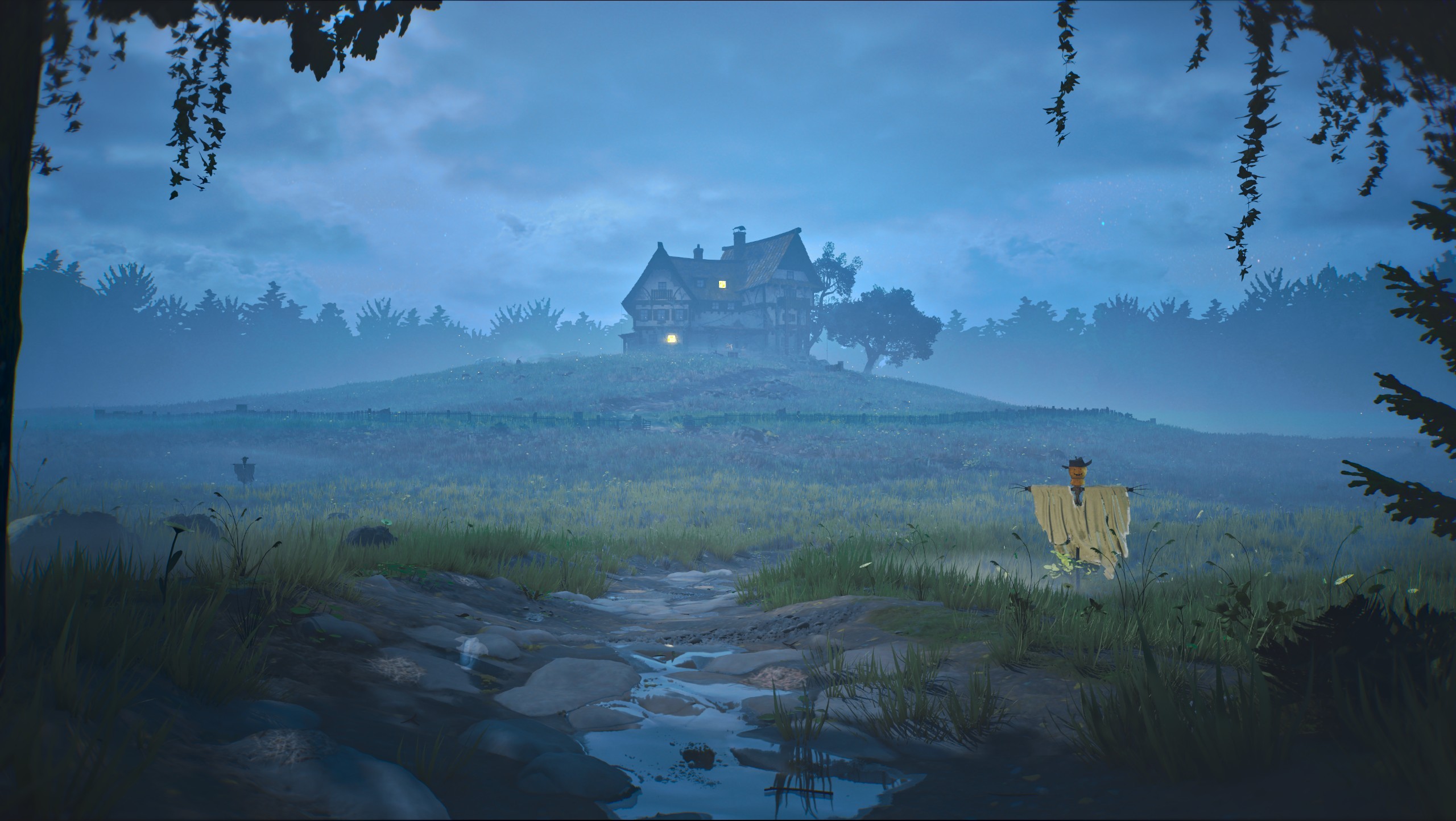
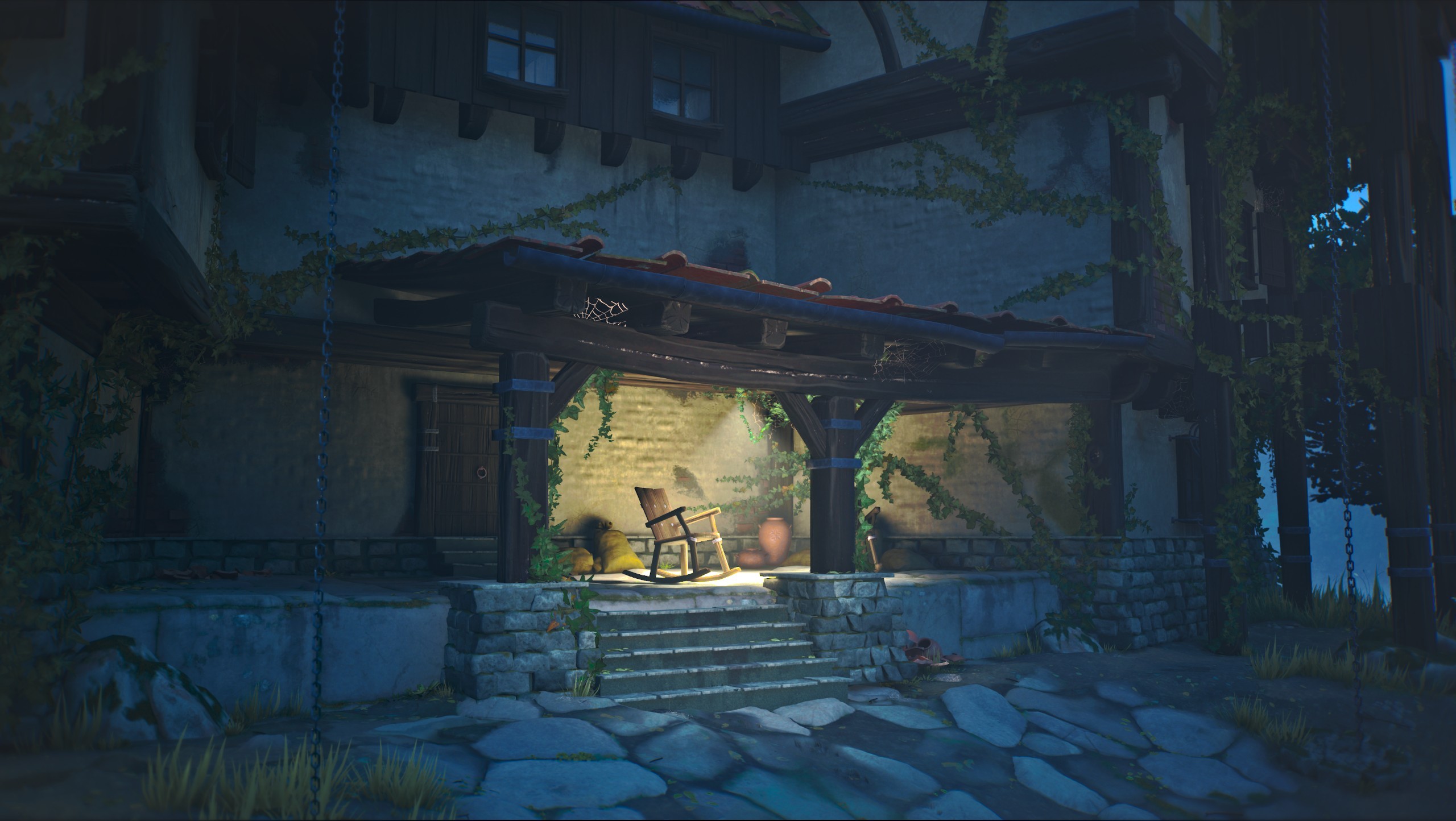
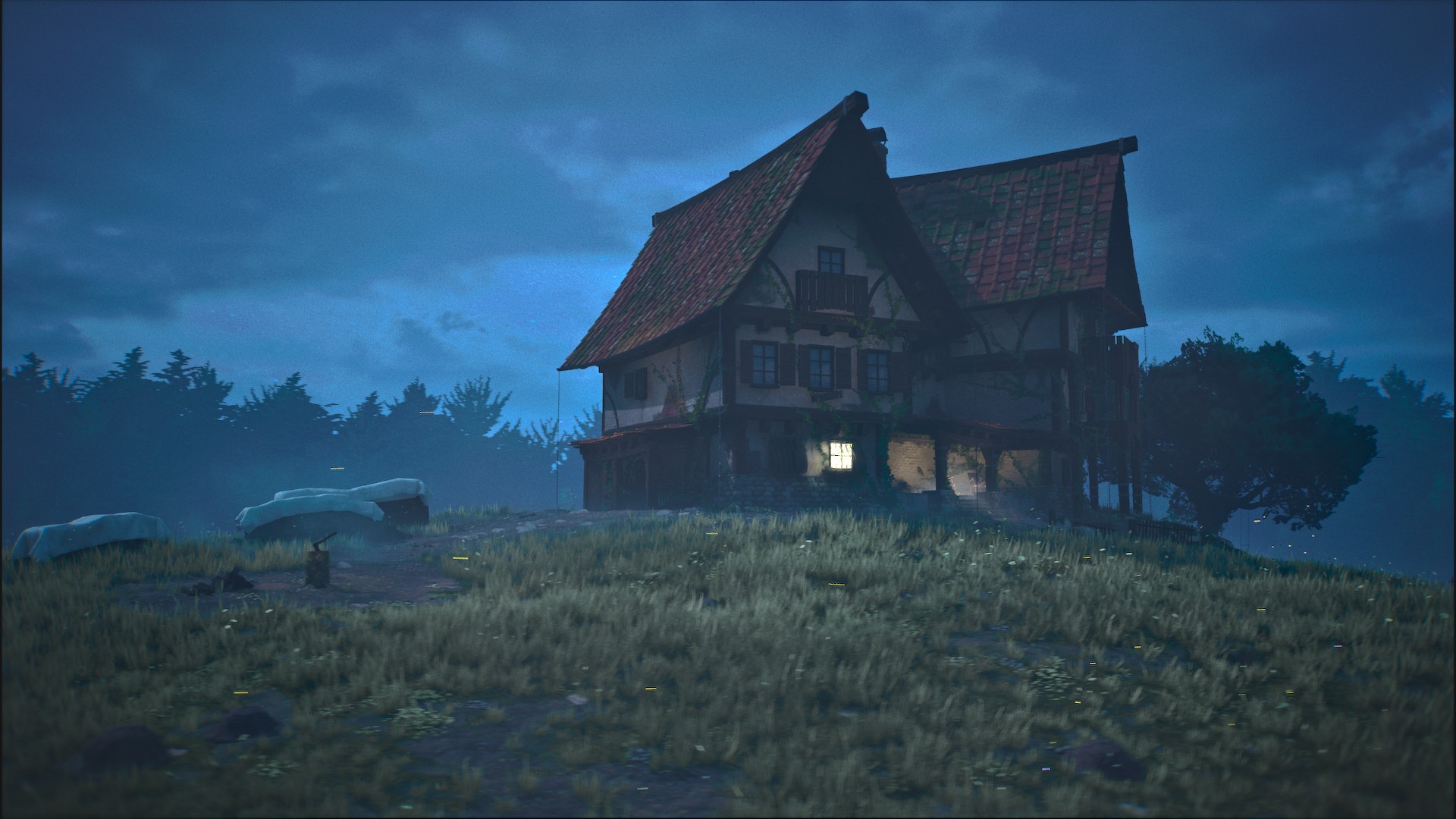
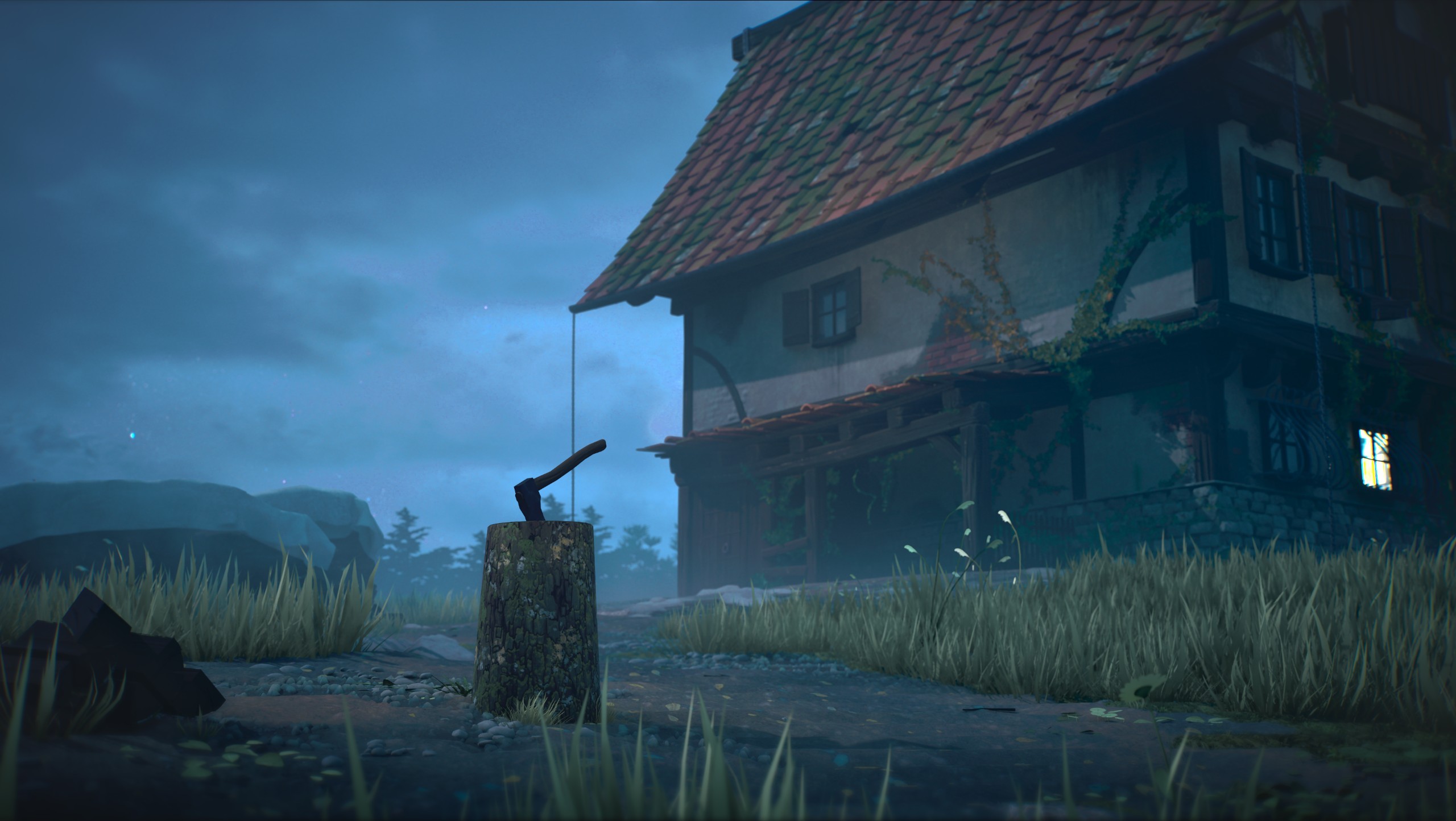
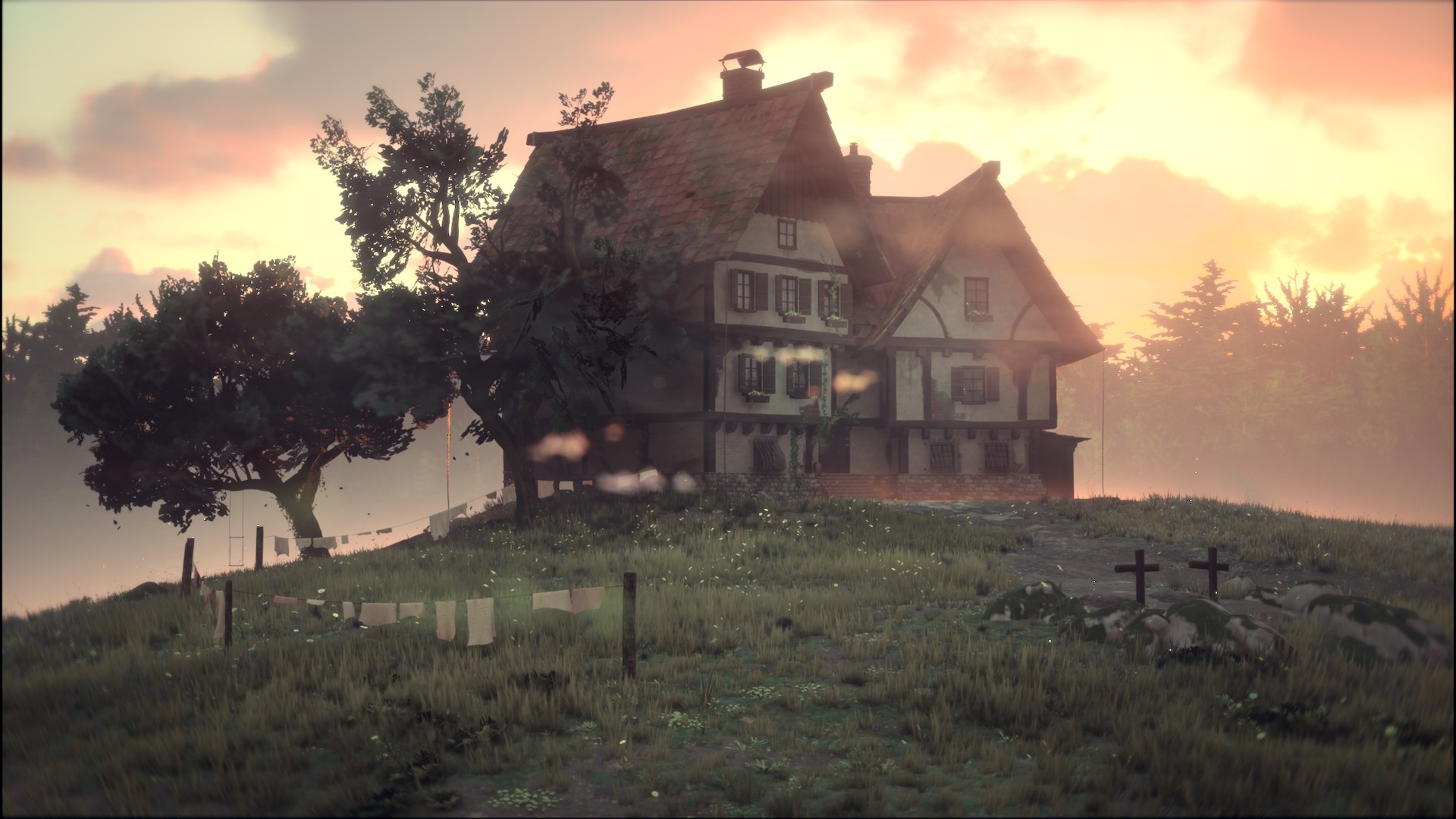
Key Considerations
Due to the size of the environment, proceduralism was essential. I focused on finding technical solutions that emphasize reusability and easy iteration. Additonally Performance was a major concern throughout development, with the target of maintaining 60+ FPS on mid- to high-end PCs.
Allowing for realistic and varied foliage - The foliage uses a LOD system and WPO disable distance for both performance and visual fidelity.
Allowing for quick creation of terrain and paths without having to swap software.
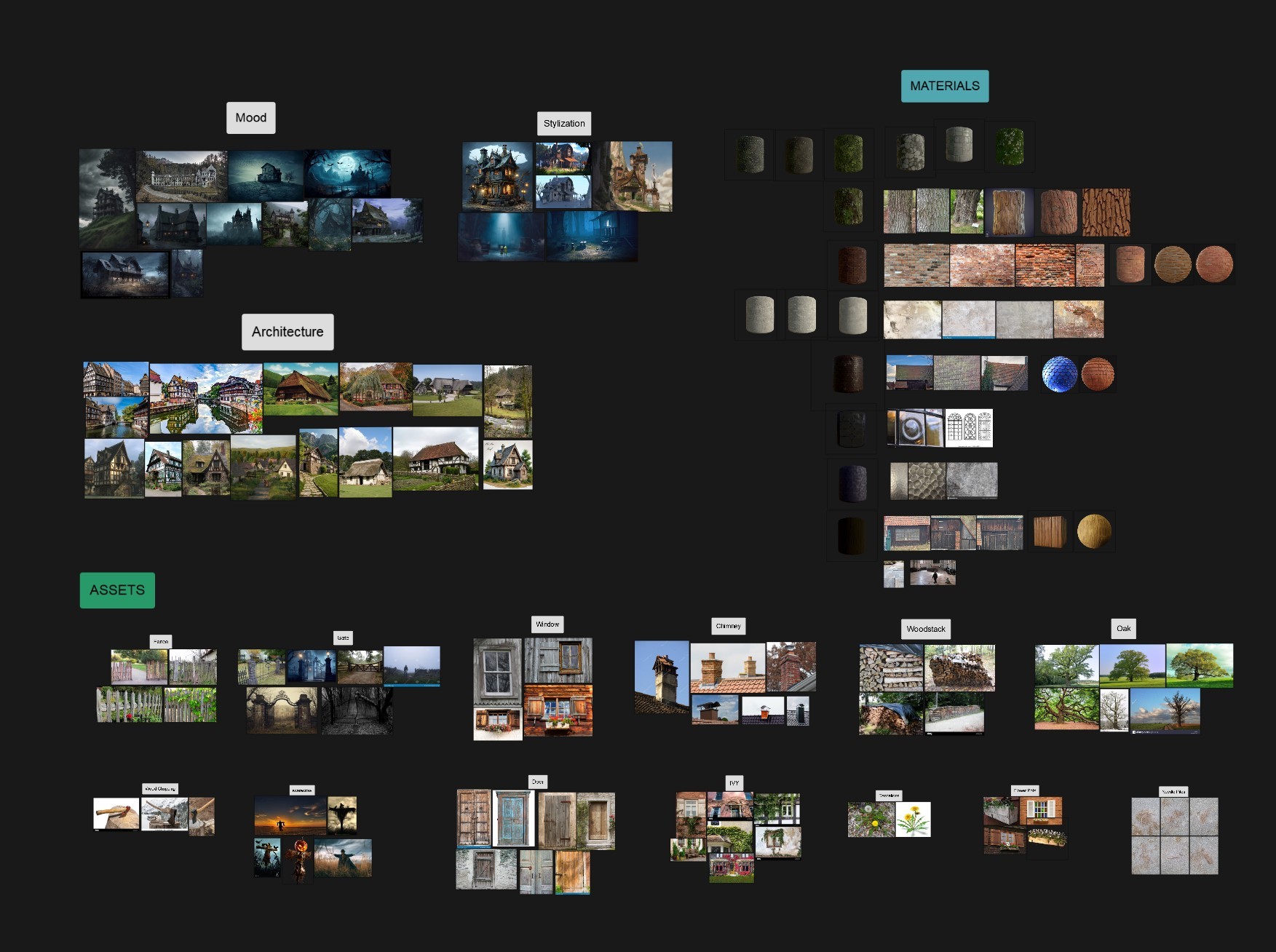
I created several shaders using UE5’s Layered Material System,
enabling versatility and reusability. These include vertex
paint shaders with layered materials for enhanced surface
complexity and height blending.
I also implemented a World Position Offset shader combining
multiple effects modulated by vertex colors to simulate
natural surface deformation that adapts to asset rotation -
this approach is much more efficient than CPU-based
alternatives.
By combining individually textured assets and bigger assets
with tiling textures, I efficiently reduced texture disk usage
while maintaining high visual quality.
The landscape material uses runtime virtual textures, enabling
it to run performance efficient, even with lot of sampled
textures and complex blending. This also allows for seamless
blending of assets into the terrain. I also utilize Nanite
landscape tesselation for enhanced detail.
Throughout development, I learned many new techniques to
efficiently manage such a large environment.
Workflow
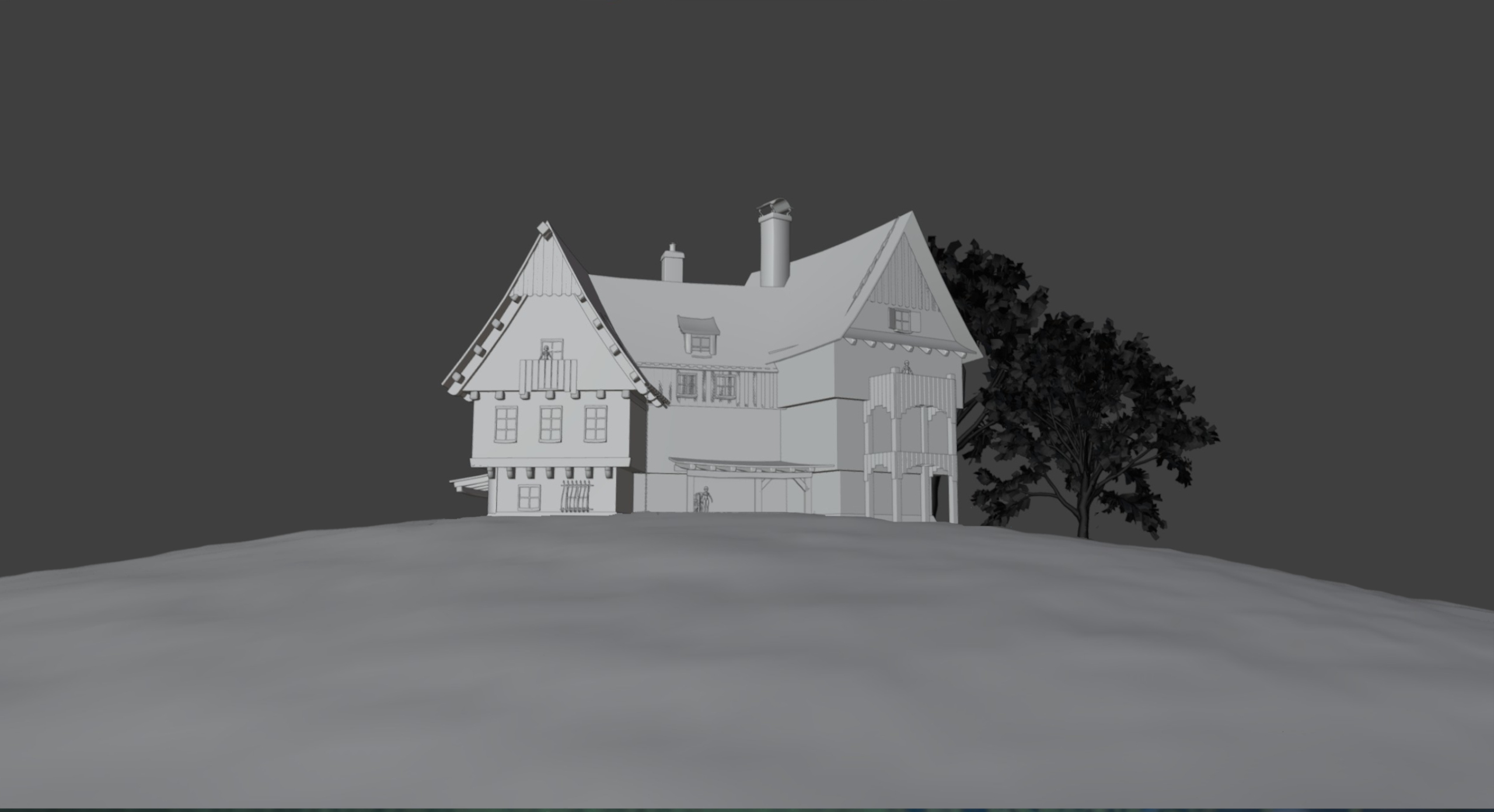
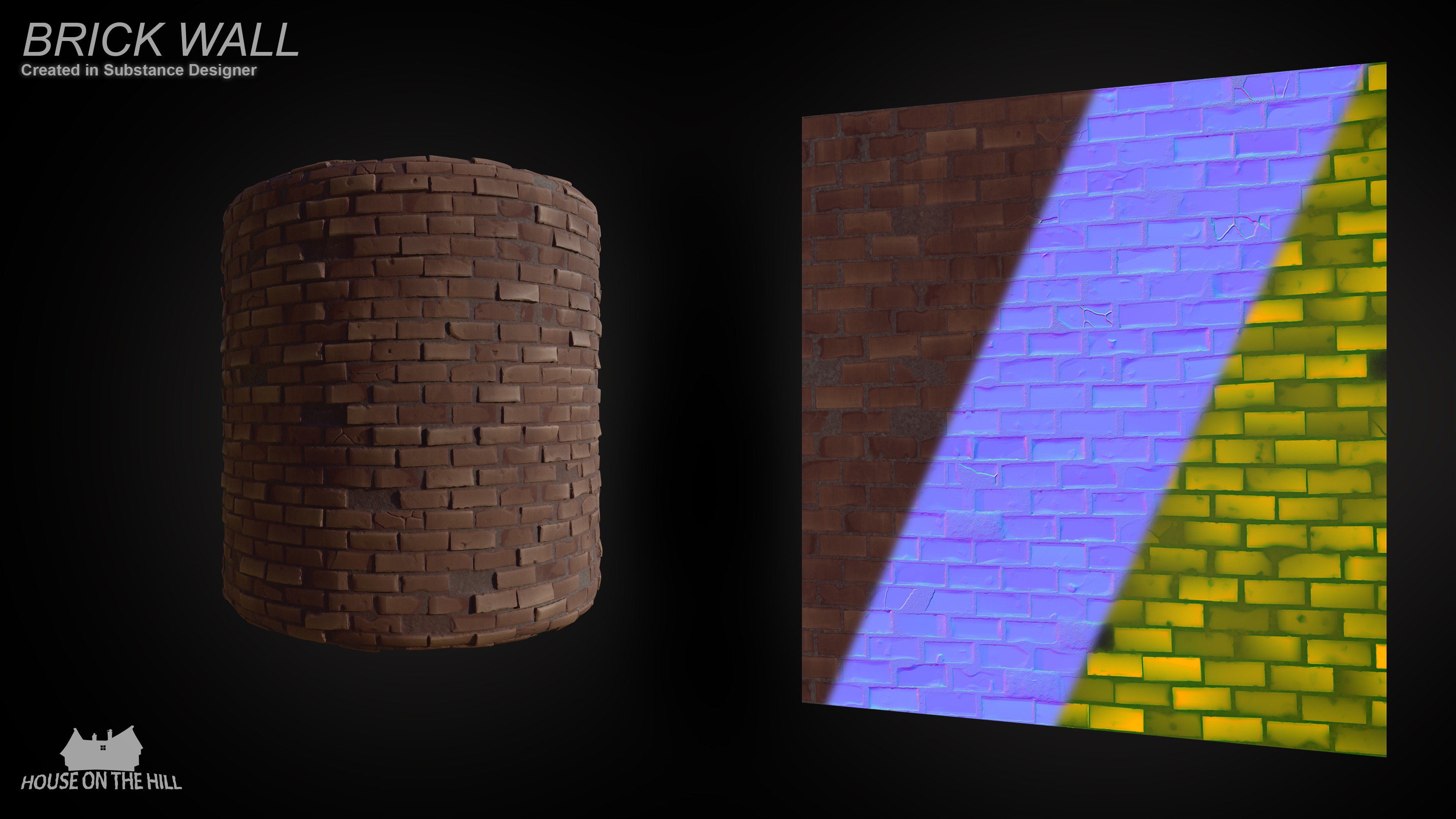
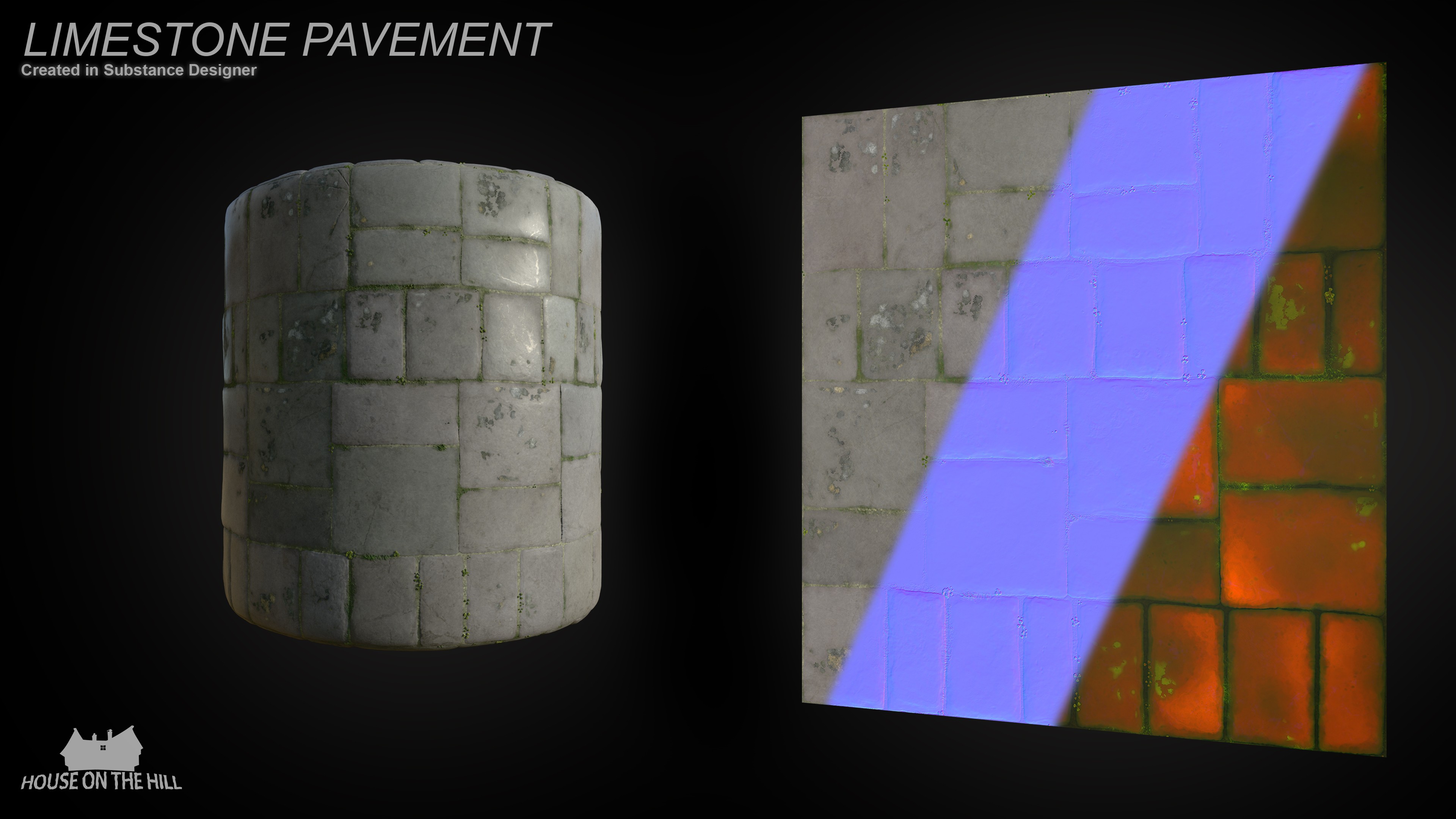
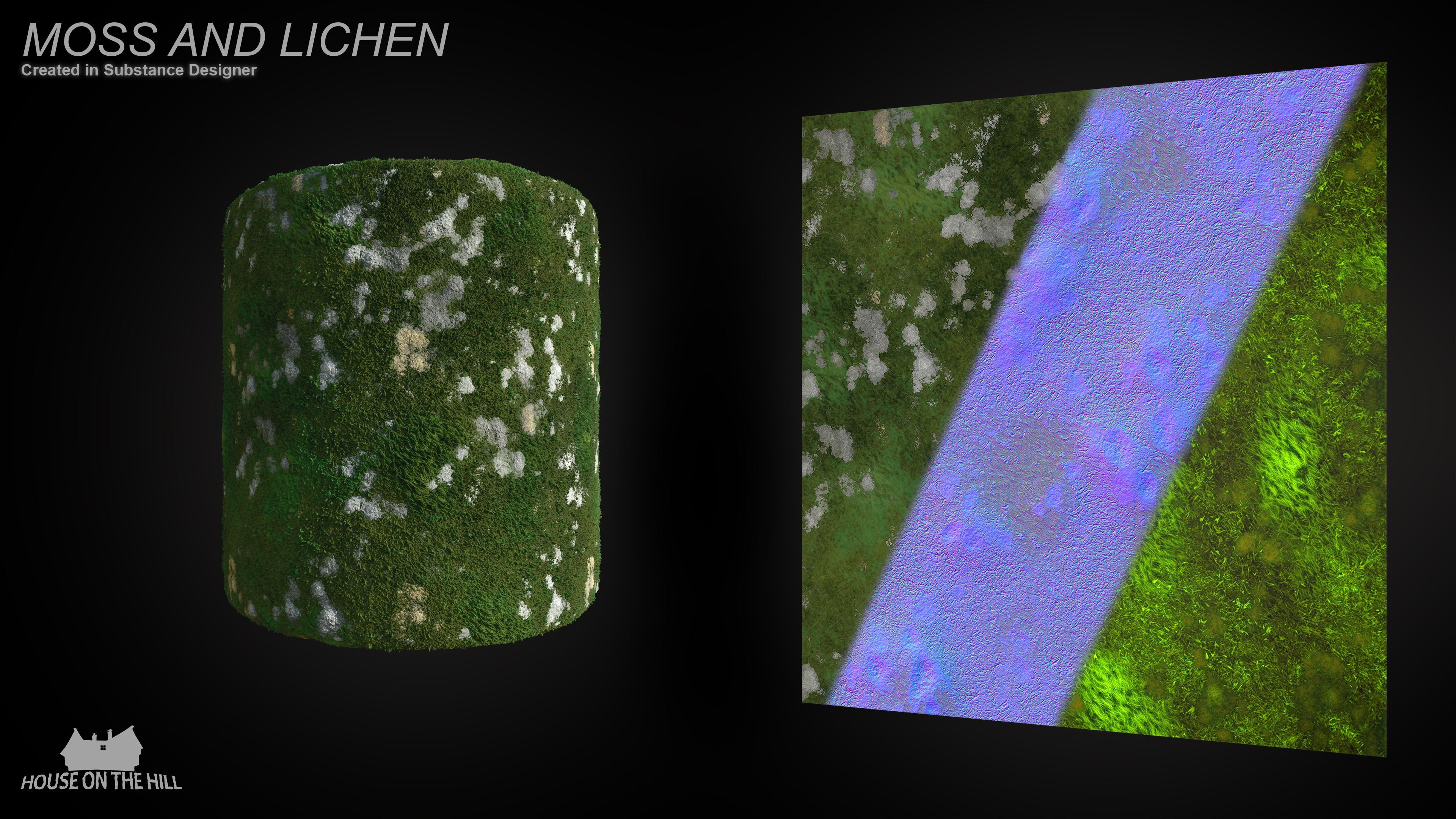
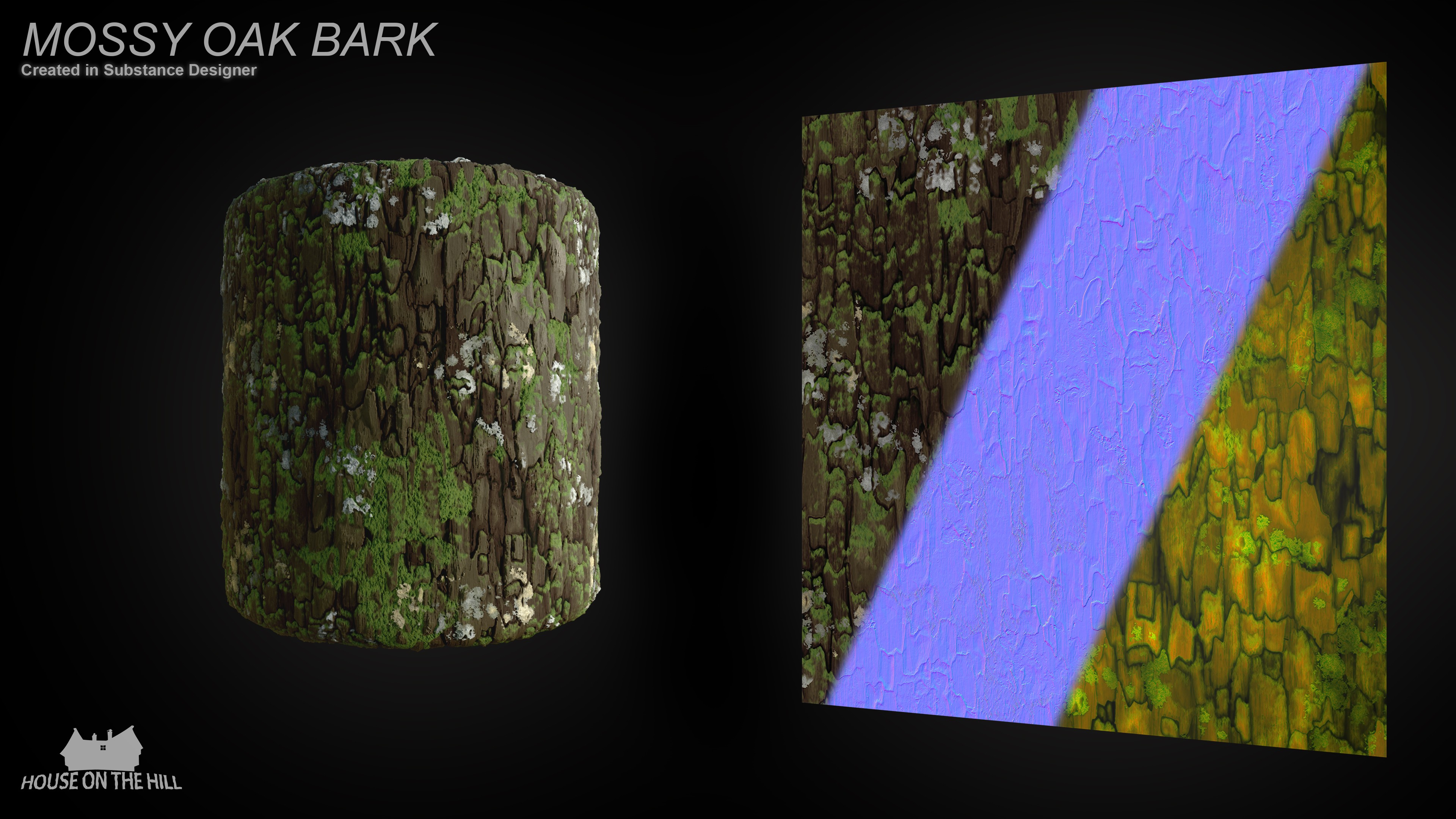
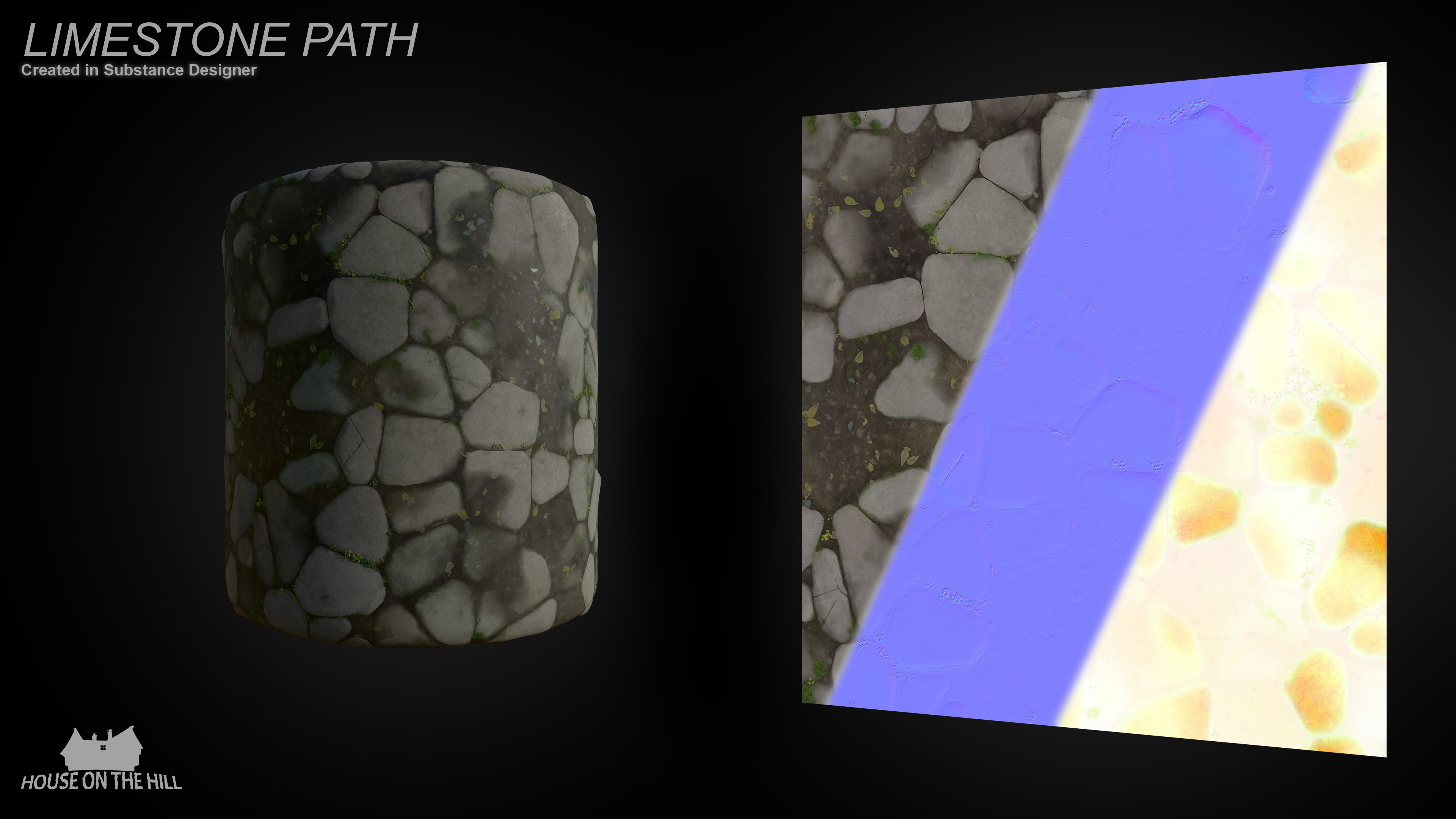
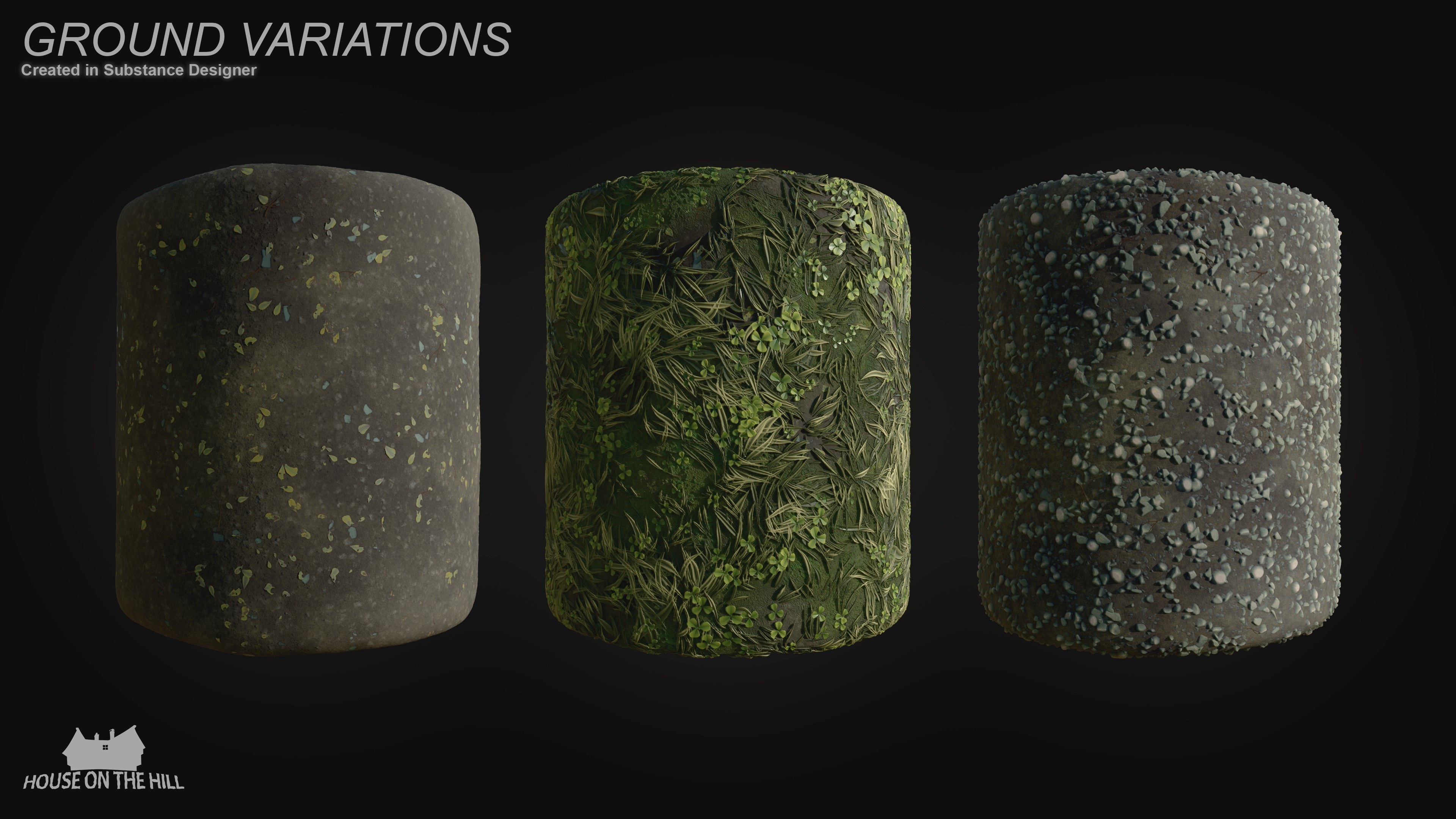
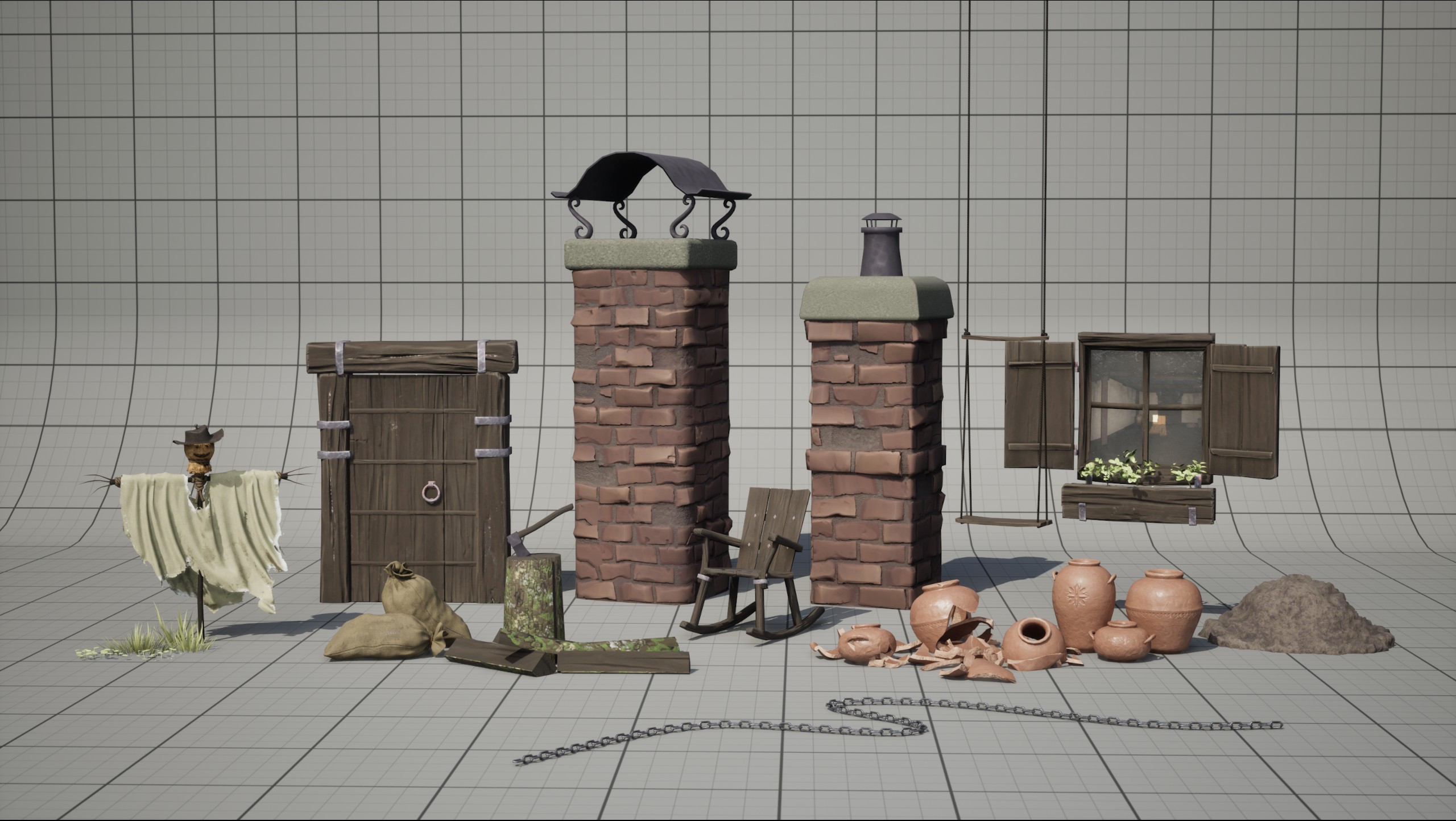
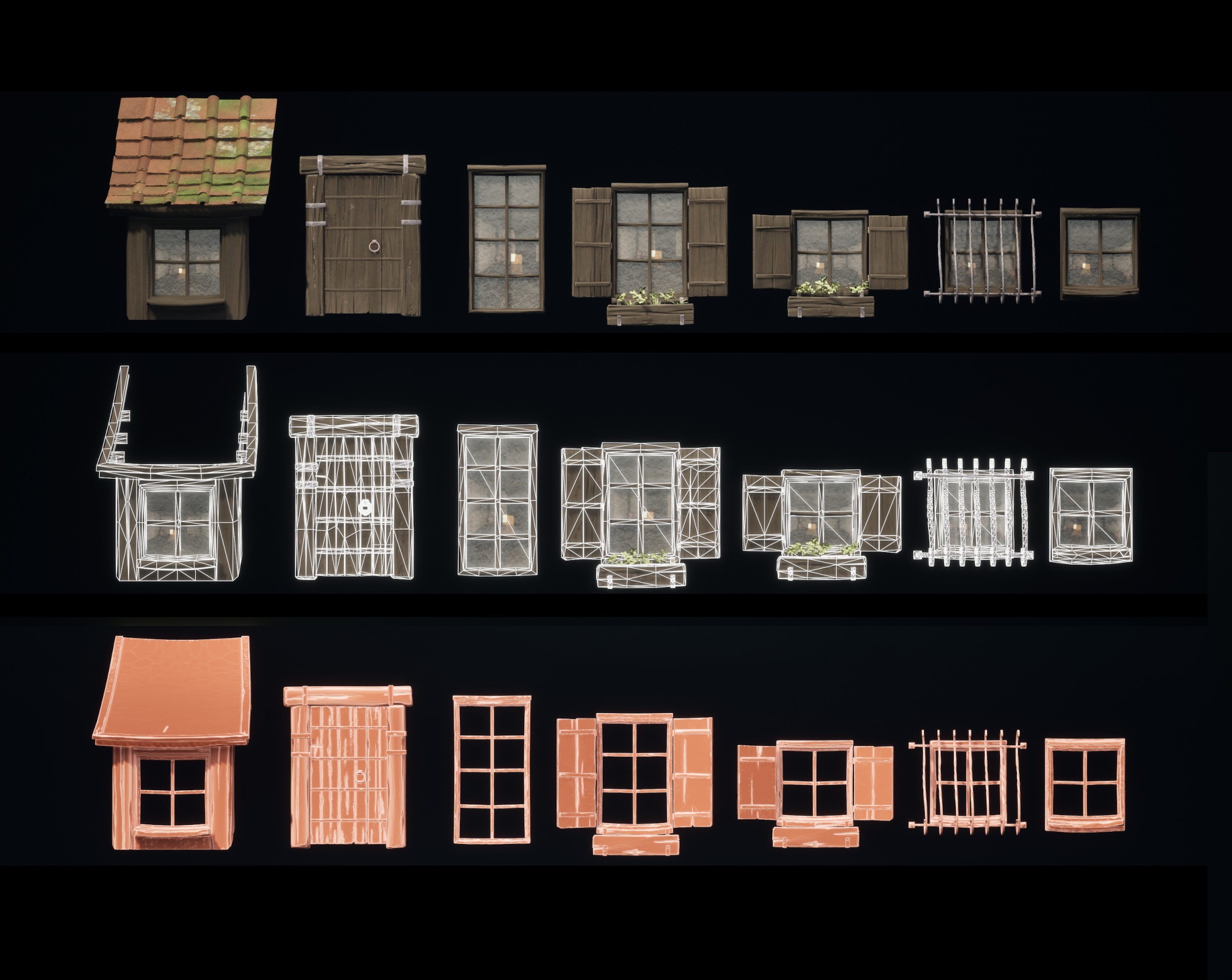
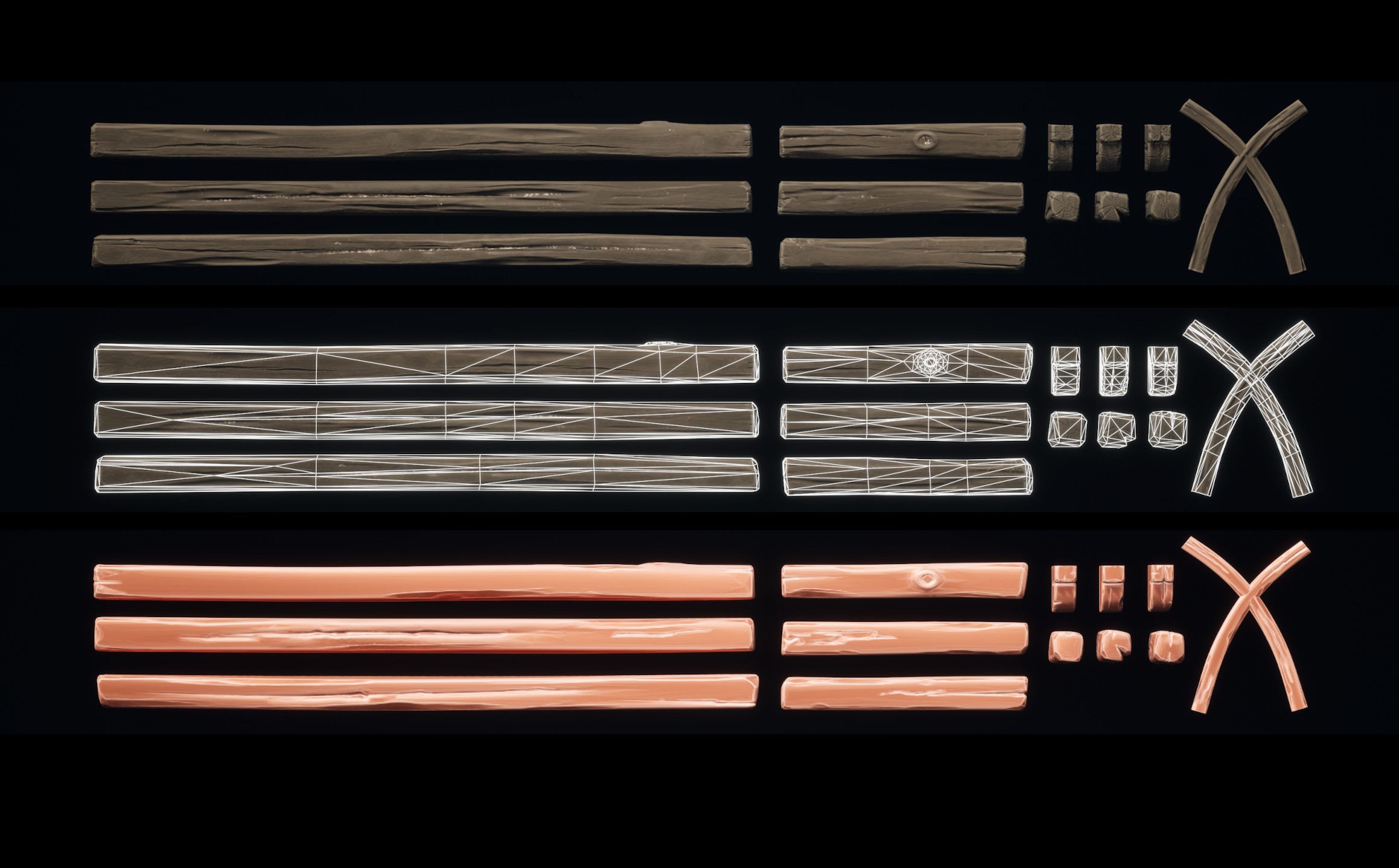
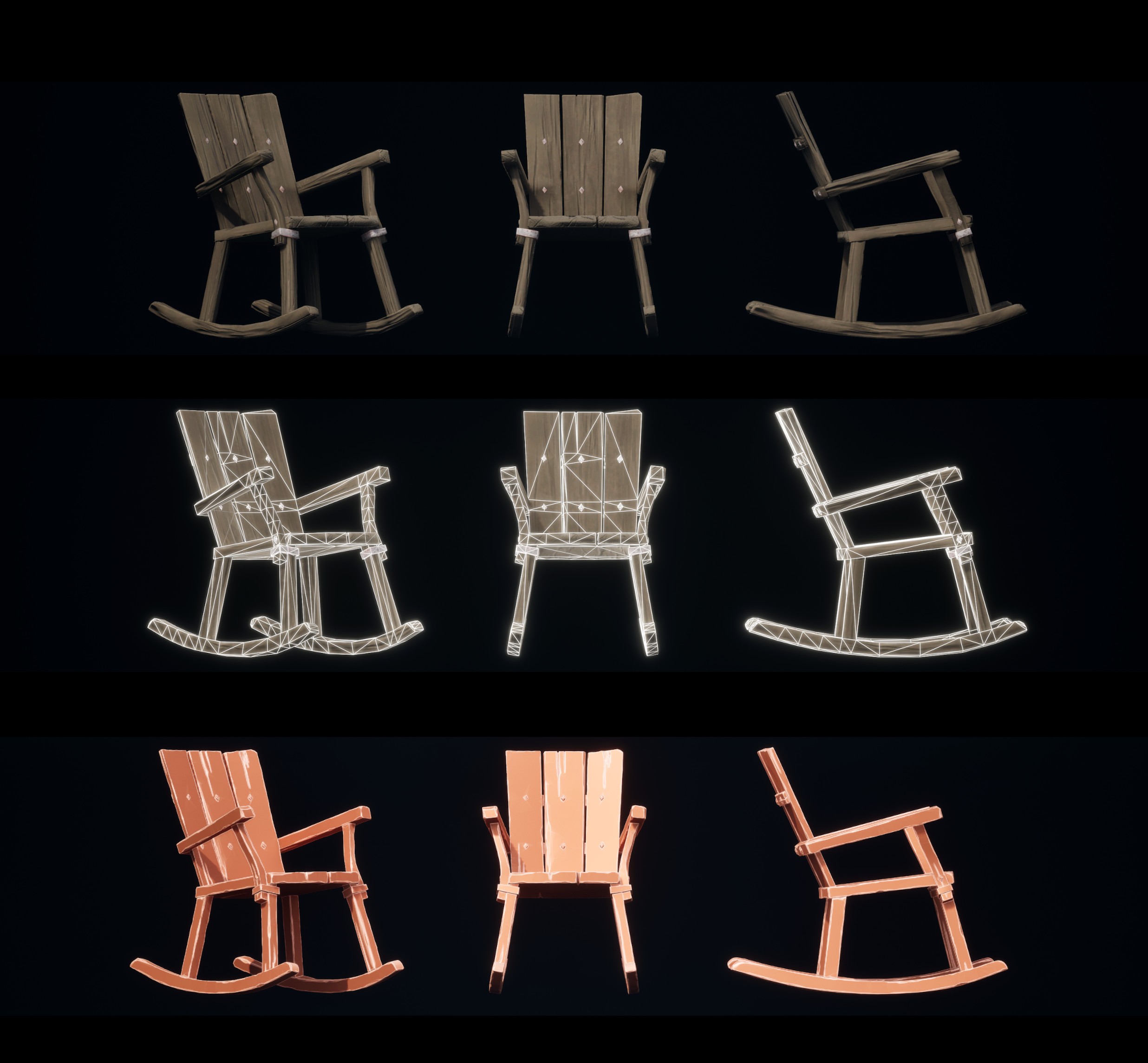
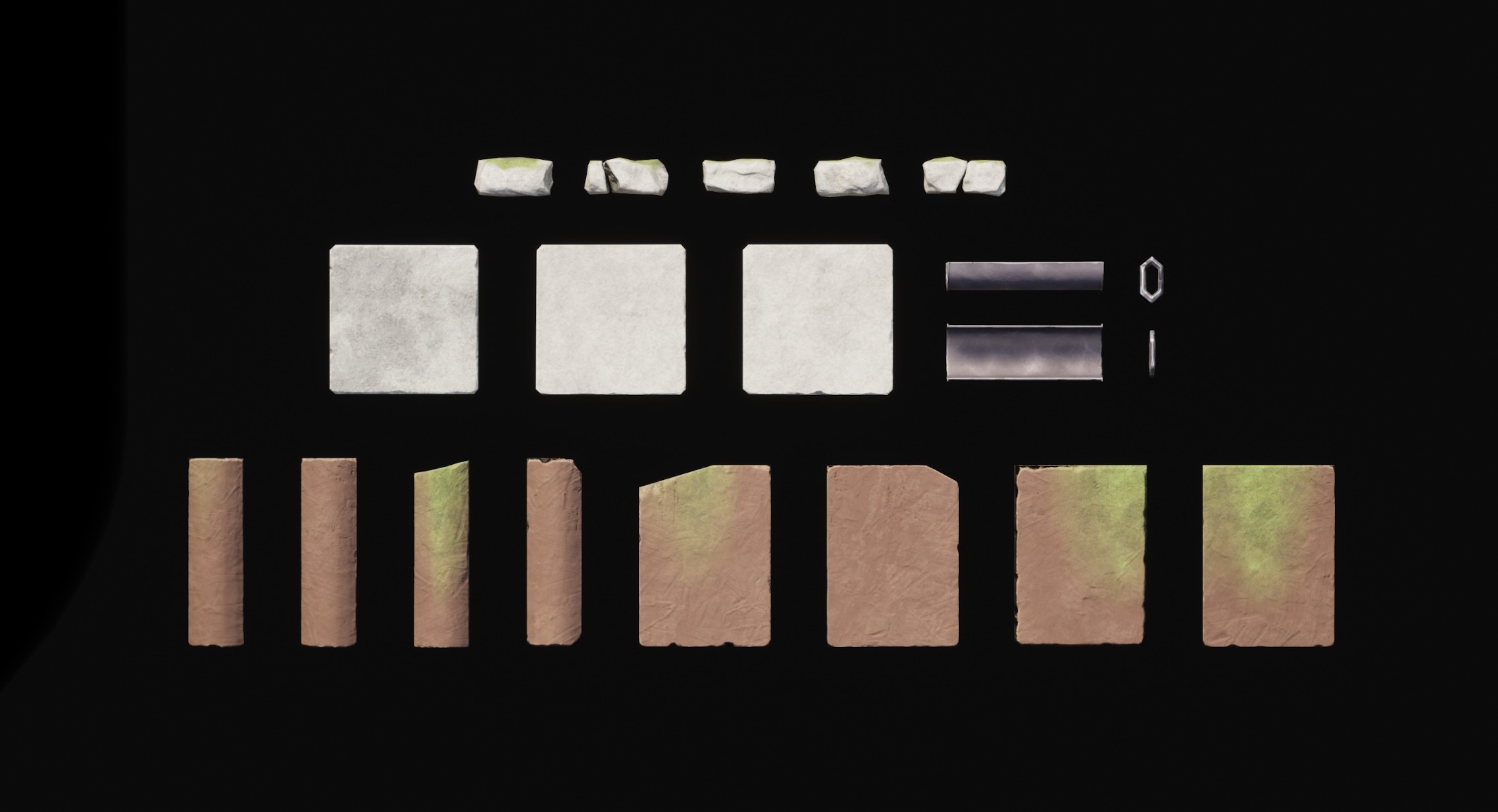
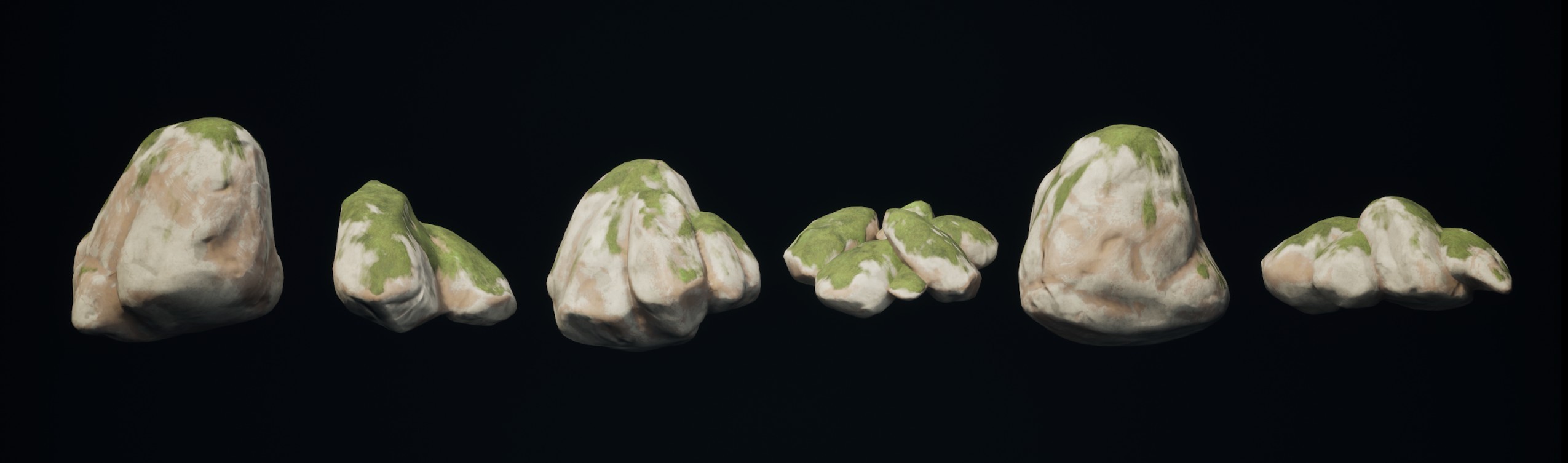
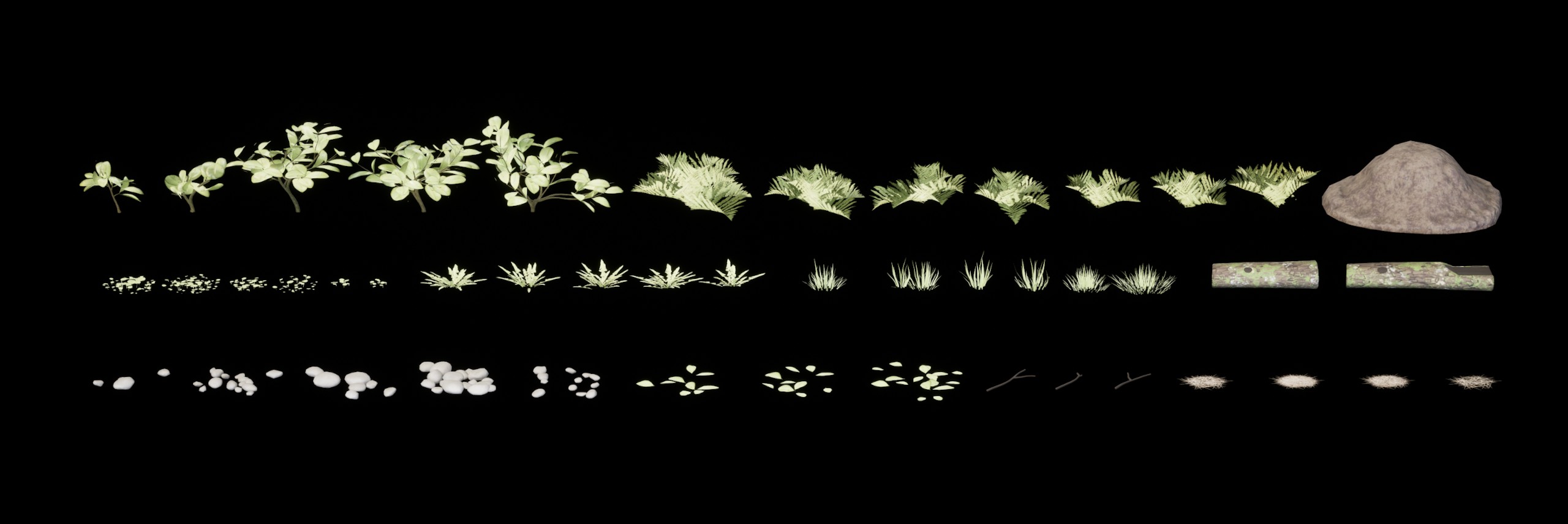
All the assets and textures featured in the project are created by myself. For the textures I used Substance Designer, focusing on a slightly stylized aesthetic using RGBA texture packing and a physically based rendering (PBR) workflow. The project consists of 15 Materials, 5 Decals with four variations each. The assets were modeled, sculpted and UVed in Blender, focusing on a slightly exaggerated shapes. Baking and texturing were done in Substance Painter. The projects consists of over 100 individual assets.
.jpg)
.jpg)
Houdini Digital Assets
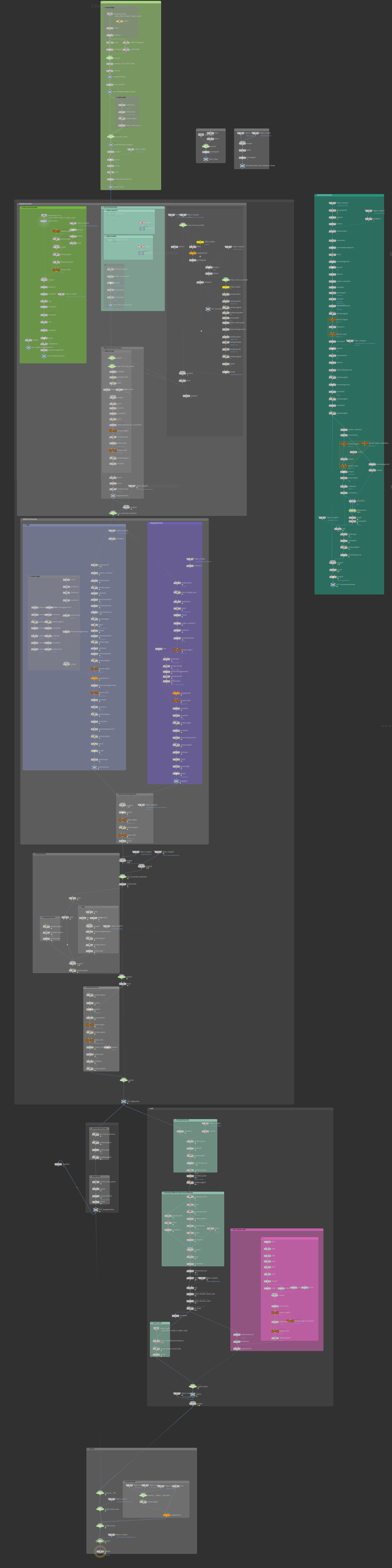
I created multiple Houdini Tools wich can be used in Unreal Engine to speed up the development and generate complex scenes quickly and easily. The Tools mainly rely on instancing to cut to optimize performance and required memory.
.jpg)
.jpg)
.jpg)