Landscape Generation process
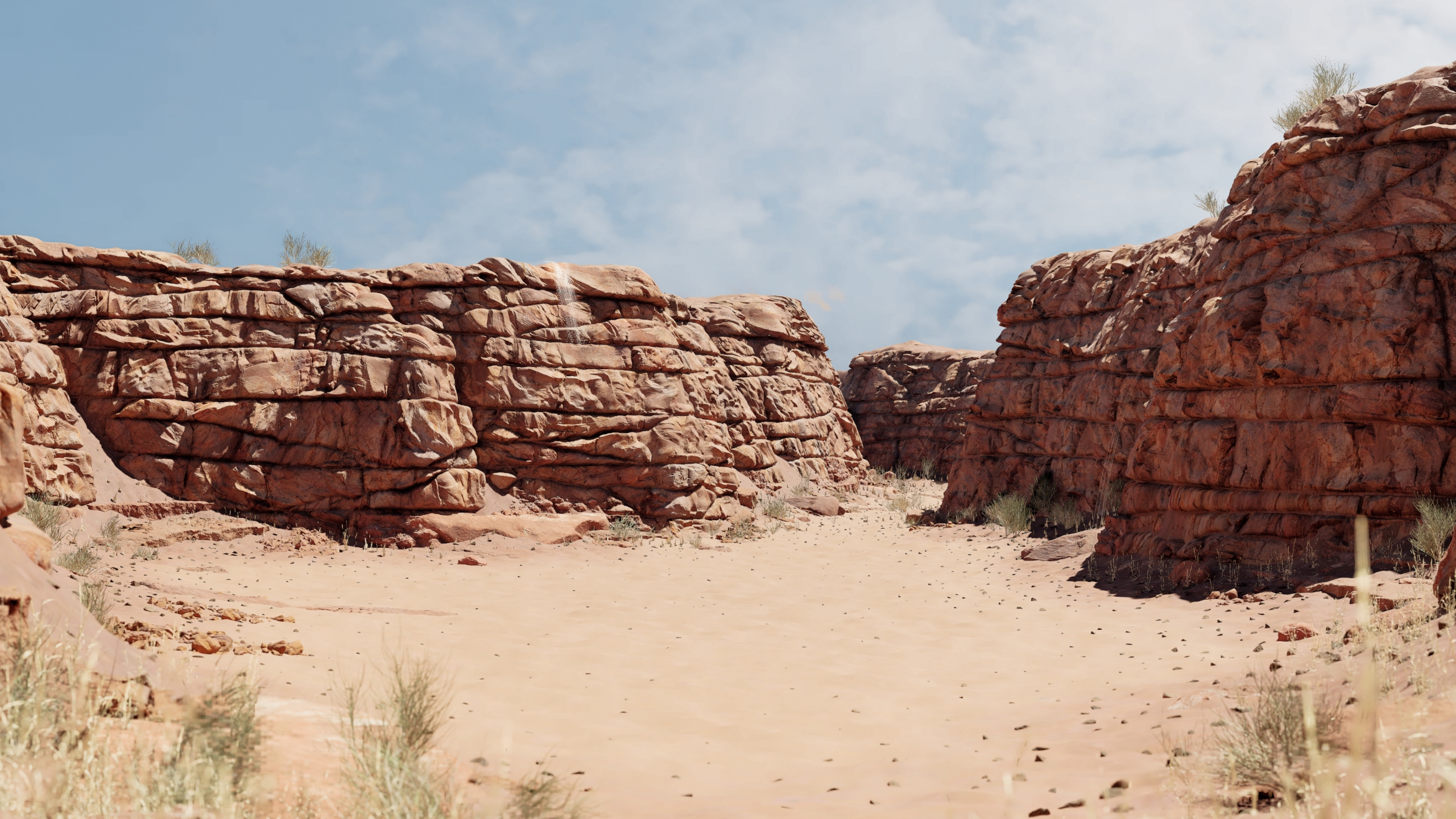
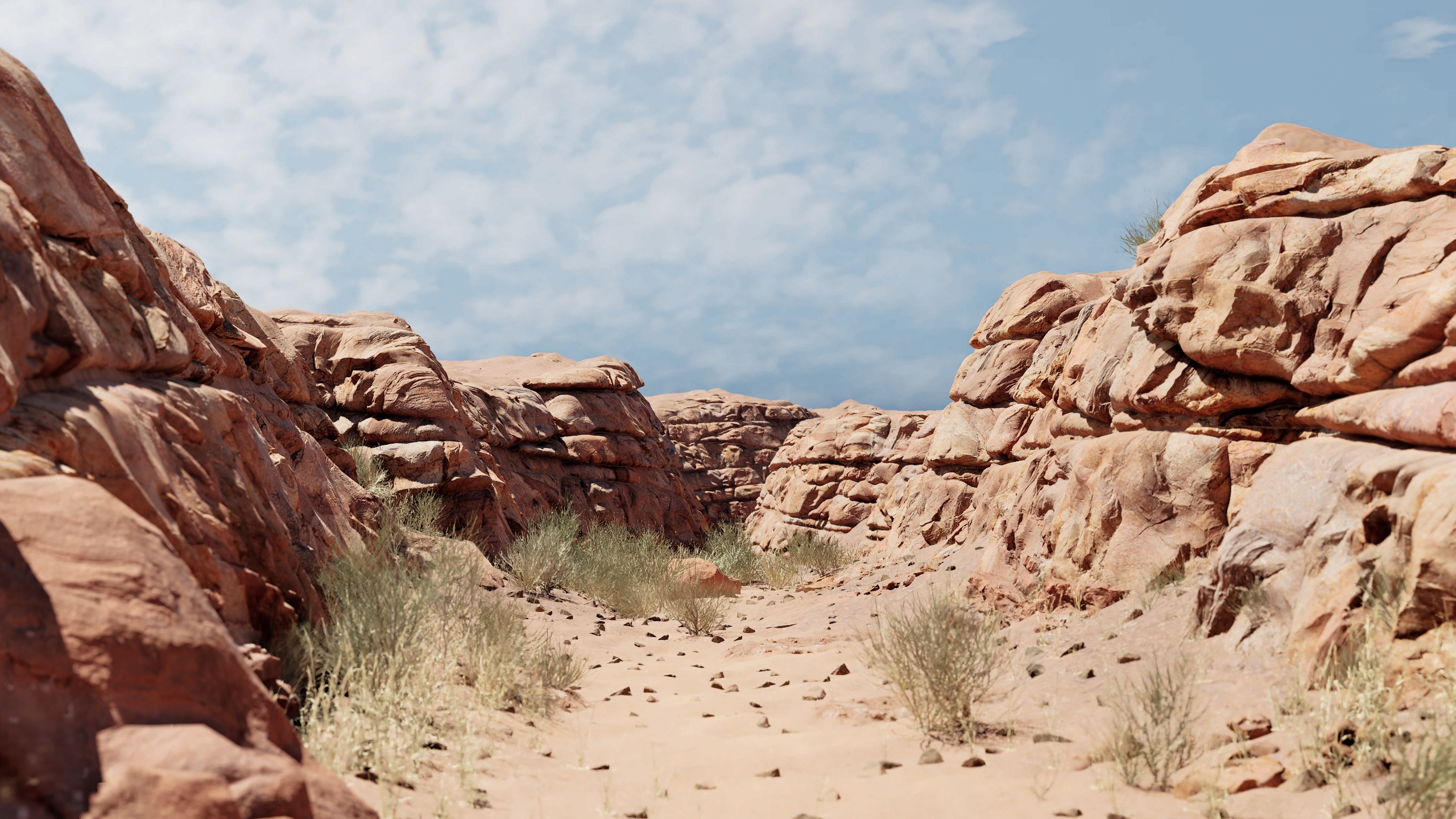
For the landscape setup, I used the Houdini Heightfield system, wich offers a ton of control in creating realistic Landscapes. This is also used to generate the landscape layer weights.
Procedural Cliff Generation process
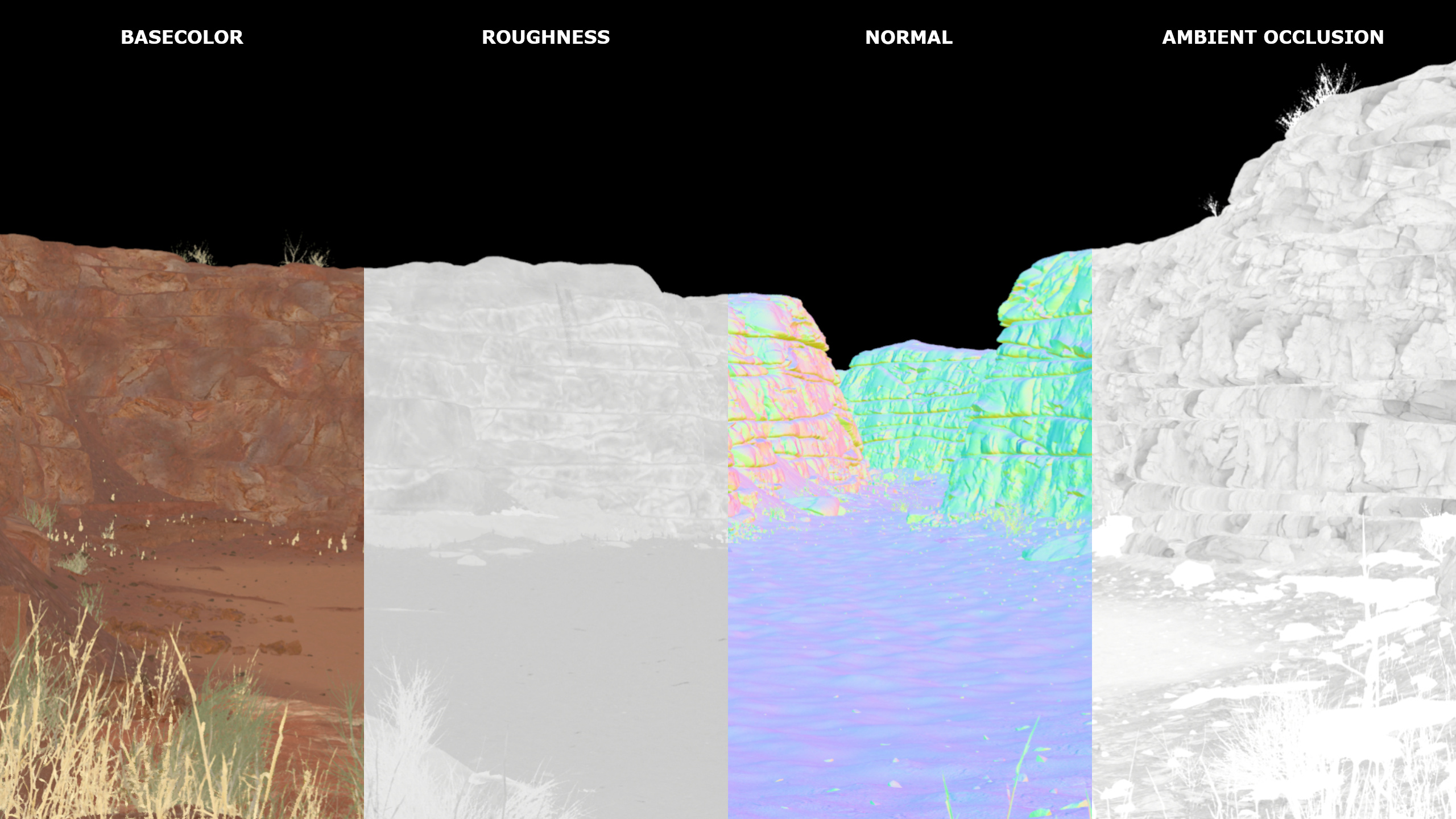
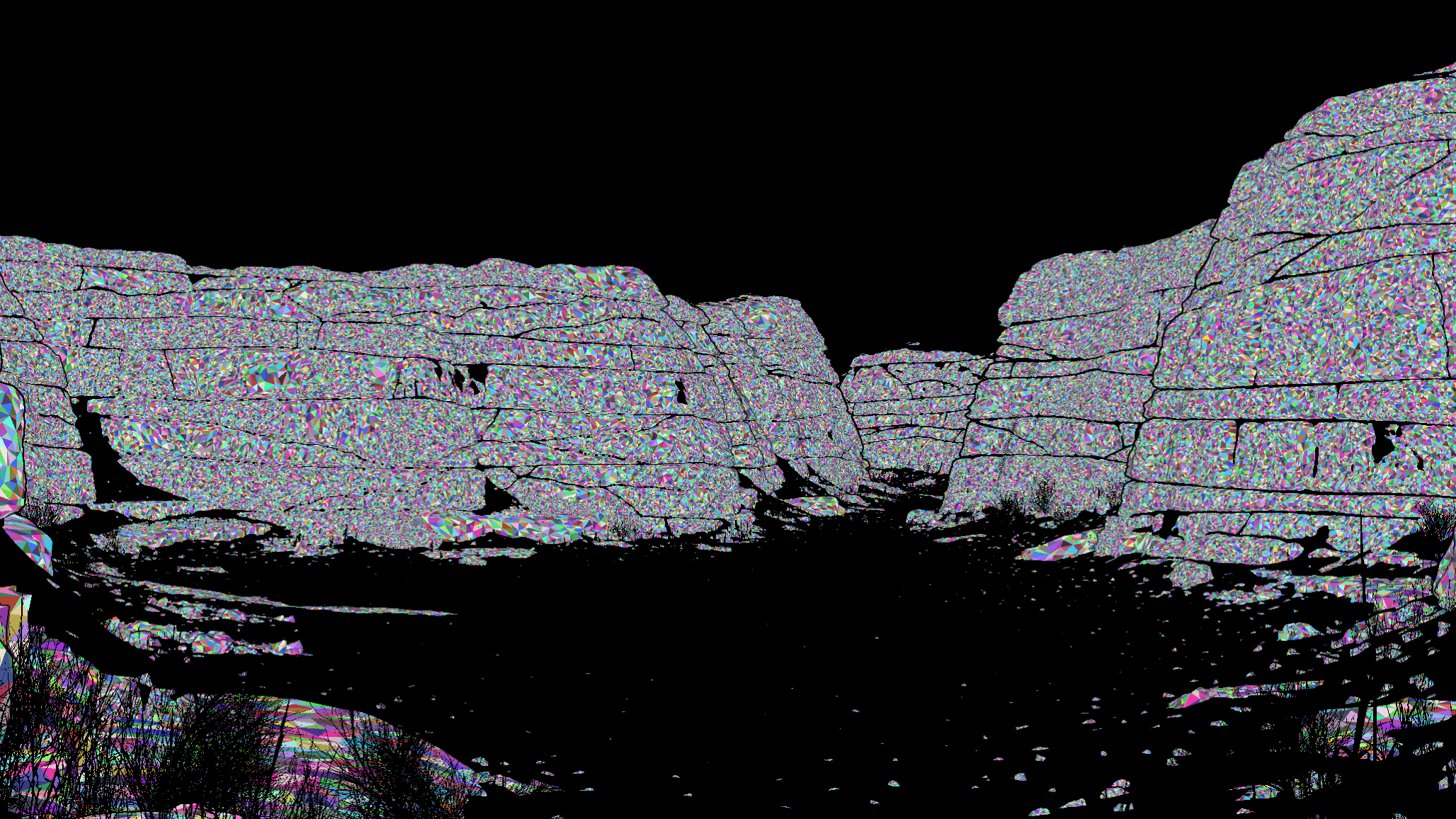
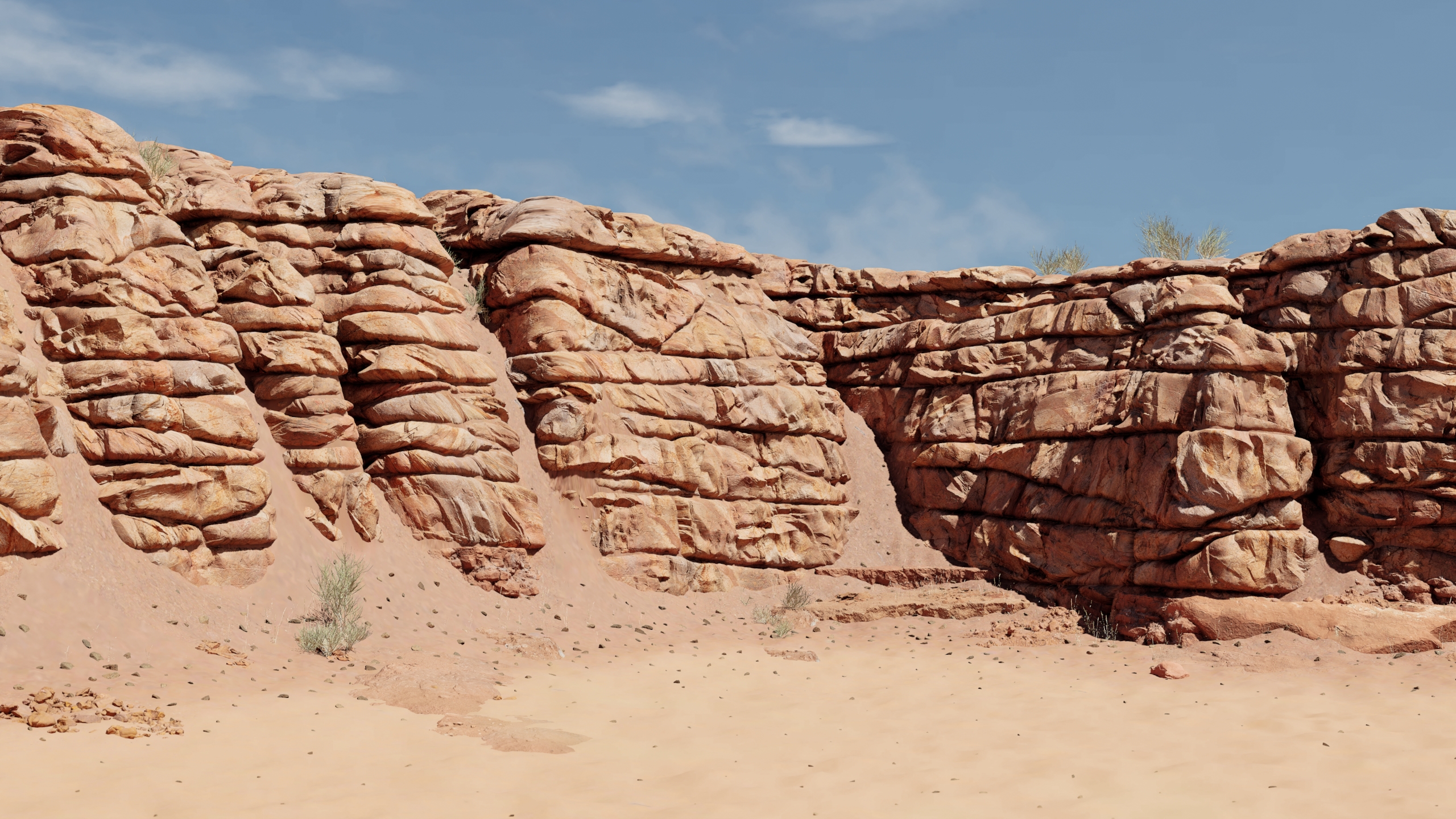
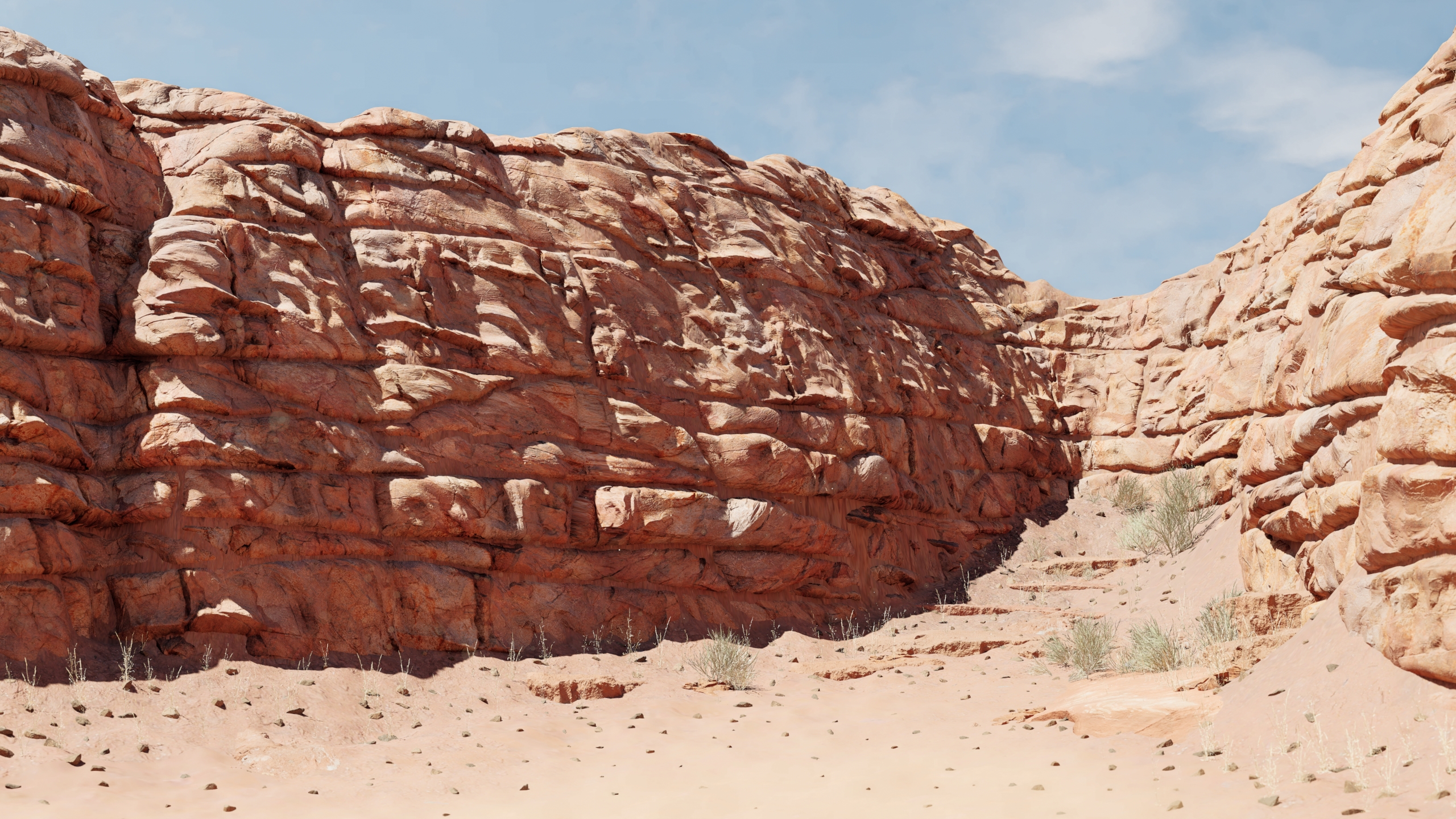
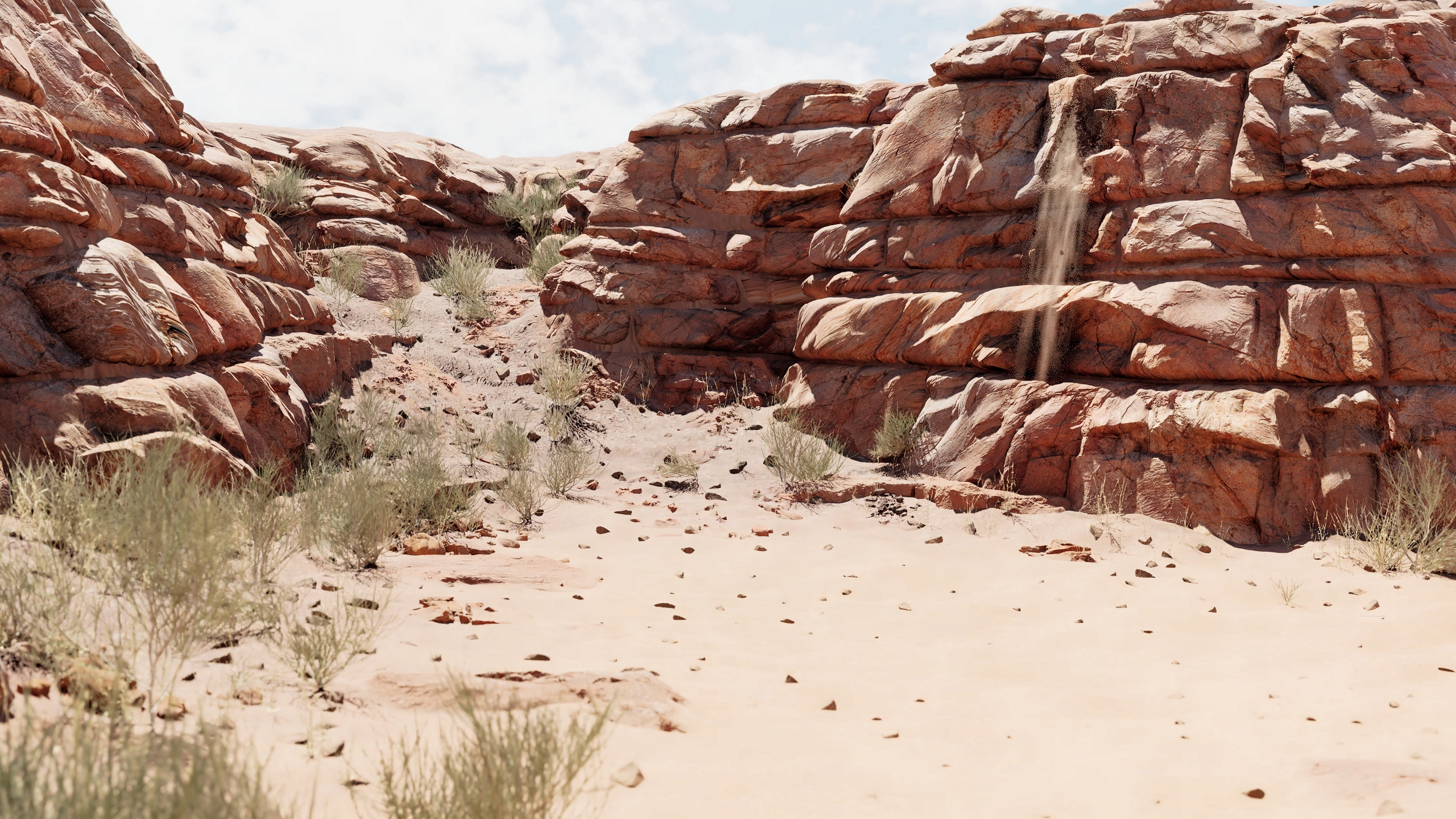
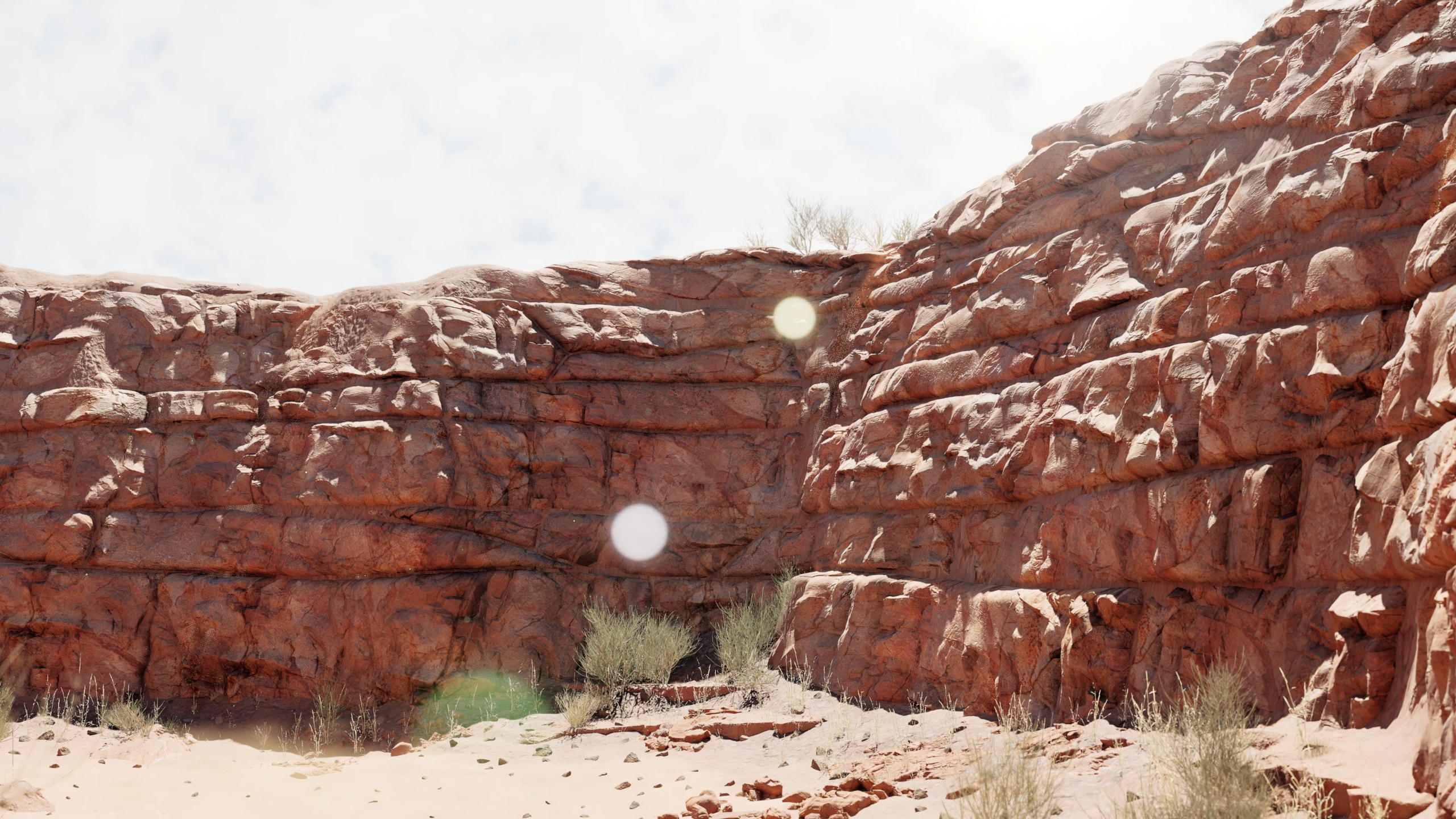
On top of the Landscape, I created a procedural cliff system. This allows me to precisely control the layering and rocky forms of the cliffs before they are transferred as Nanite assets into Unreal Engine 5. By using UE5 Nanite for the high-resolution geometry I was able to create high amounts of detail and still remaining a stable framerate. Cliffs like this are a perfect use for Nanite and due to there structure only create minimal overdraw. For the cliff shader, I use a two UV channels: The first UV channel is the same one used for displacement in Houdini. The large-scale normal map and AO information support and add detail to the shape of the mesh, while the second UV channel relies on uniform, undistorted UVs to ensure consistent texel density and detail.
Small Rocks and Debris Scattering
On top of the Landscape, I created a procedural cliff system. This allows me to precisely control the layering and rocky forms of the cliffs before they are transferred as Nanite assets into Unreal Engine 5. By using UE5 Nanite for the high-resolution geometry I was able to create high amounts of detail and still remaining a stable framerate. Cliffs like this are a perfect use for Nanite and due to there structure only create minimal overdraw. For the cliff shader, I use a two UV channels: The first UV channel is the same one used for displacement in Houdini. The large-scale normal map and AO information support and add detail to the shape of the mesh, while the second UV channel relies on uniform, undistorted UVs to ensure consistent texel density and detail.